“Exploring Printing Possibilities: Can You Use Inkjet Ink on DTF UV Film?” -MAXDTF- China Direct Transfer UV DTF Film, Direct to Transfer UV DTF Film Supplier, Made in China
In the dynamic landscape of custom printing, a common question arises among enthusiasts and small businesses: Can you use standard inkjet ink on DTF UV film? This query stems from the desire to cut costs by repurposing existing supplies, but it touches on critical technical differences between ink formulations and film properties. This article unpacks the compatibility challenges, potential risks, and viable alternatives, offering clarity for anyone navigating DTF UV printing workflows.
1. Core Differences: Inkjet Ink vs. DTF UV Ink
To assess compatibility, we first must distinguish between the chemical and functional traits of inkjet ink and the inks designed for DTF UV film. These differences are not trivial—they directly impact print quality, durability, and transfer success.
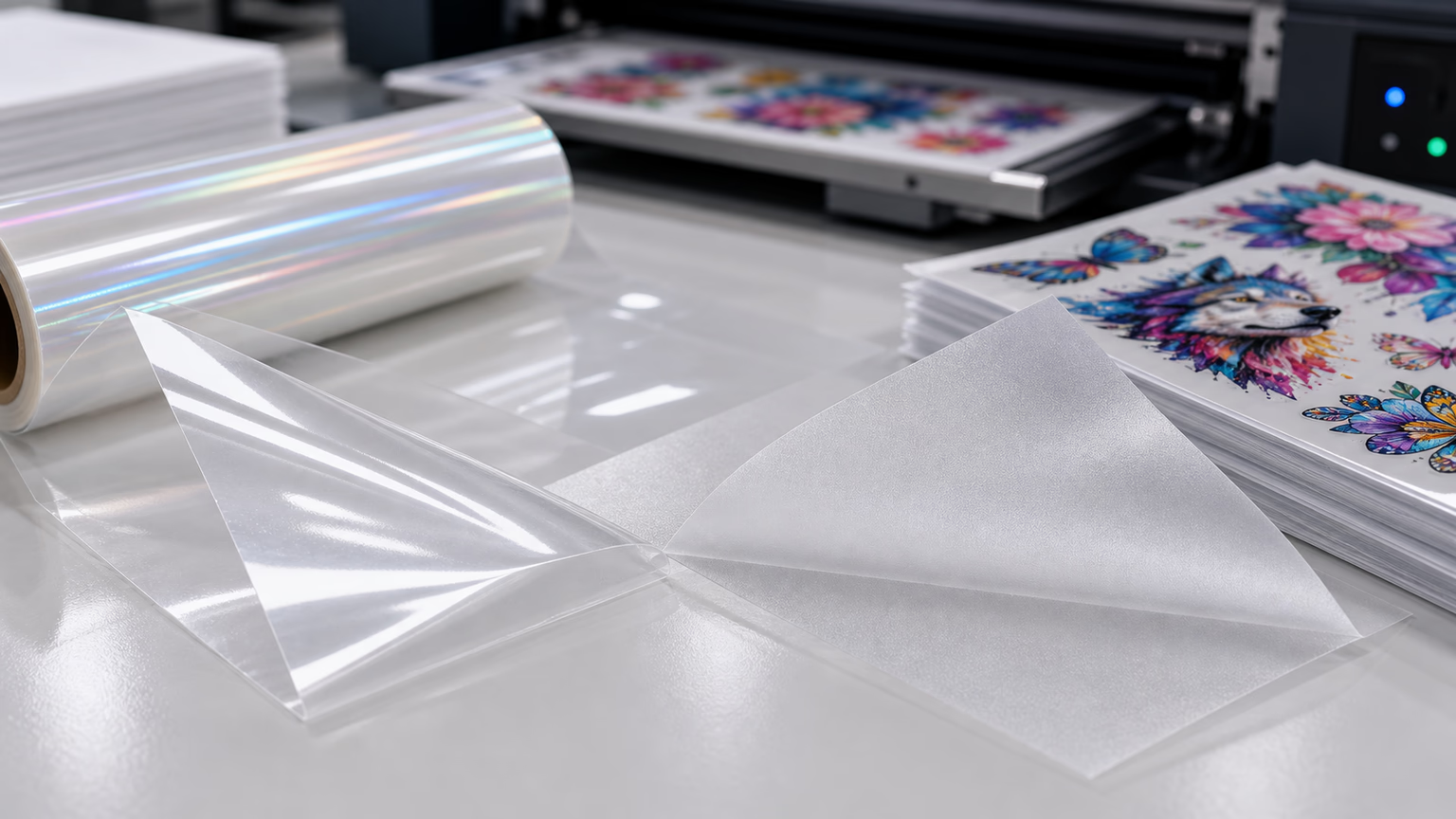
Standard inkjet ink (whether water-based, dye-based, or solvent-based) is engineered to bond with porous substrates like paper or treated fabrics. Water-based variants rely on absorption, while solvent-based inks use chemical adhesion to non-porous surfaces. However, neither is formulated to interact with the UV-curable coatings on DTF UV film.
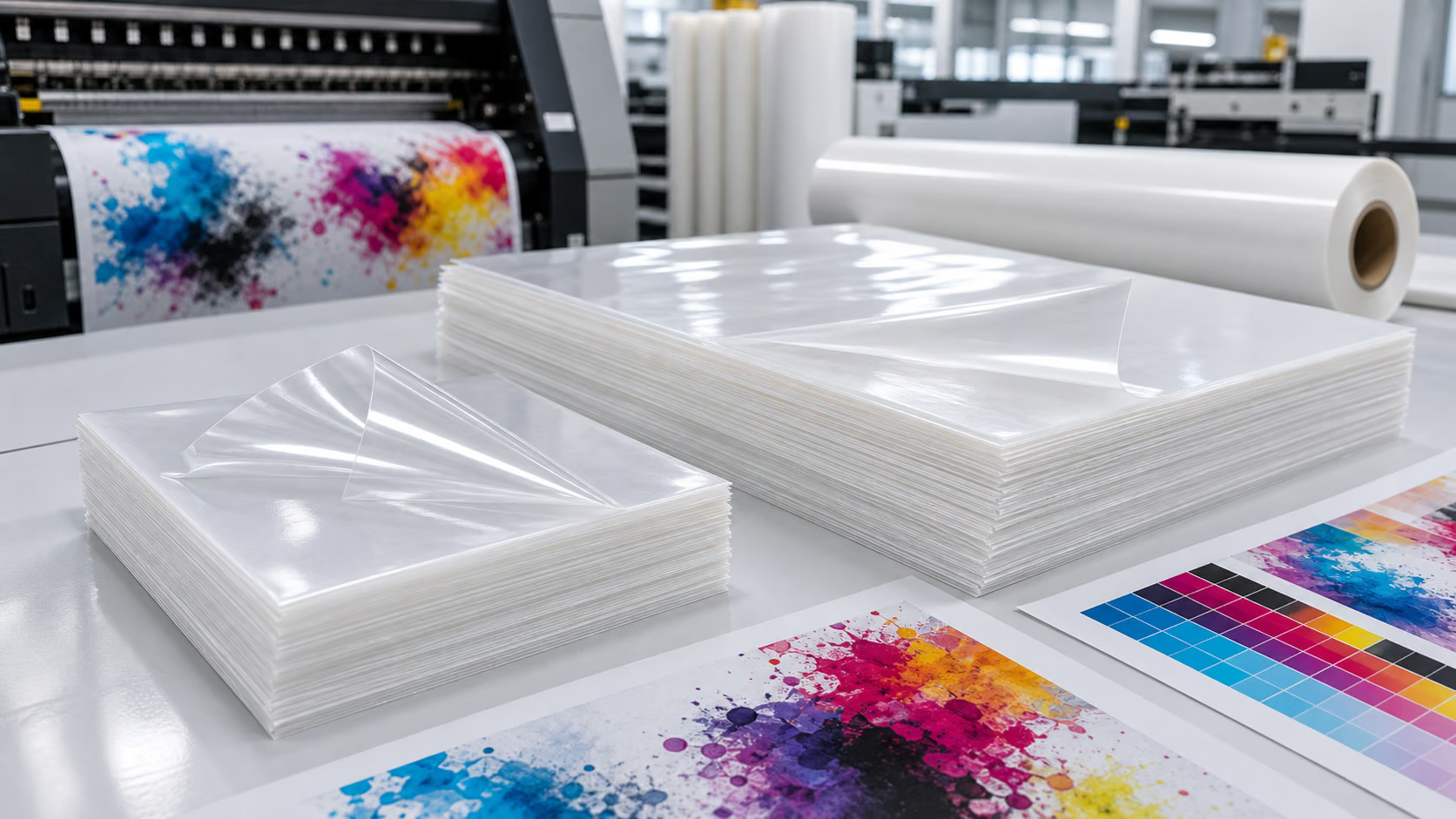
DTF UV ink, by contrast, is a specialized UV-curable formulation. It contains photoinitiators that react with UV light to harden (cure) into a flexible, durable layer. Crucially, it is designed to adhere to the proprietary coating of DTF UV film and form a strong bond with hot-melt powder—two requirements for successful transfer to textiles or hard substrates.
2. Why Standard Inkjet Ink Fails on DTF UV Film
Using inkjet ink on DTF UV film leads to a cascade of issues, rooted in mismatched properties between the ink and the film’s design. These problems range from poor print quality to complete transfer failure.
Poor Adhesion and Smudging
DTF UV film features a smooth, UV-reactive coating optimized for UV-curable inks. Standard inkjet ink (especially water-based) cannot penetrate or bond with this non-porous surface. The result is ink beading, smudging, or peeling off the film during handling—even before the transfer process. A test by a printing studio found that water-based inkjet ink began flaking off DTF UV film within 5 minutes of printing, rendering the design unusable.
Incompatibility with UV Curing
DTF UV printing relies on UV light to cure the ink into a stable layer. Standard inkjet ink lacks photoinitiators, so it does not respond to UV exposure. Even if the ink temporarily sticks to the film, it remains liquid or tacky, mixing with hot-melt powder during application and creating a messy, untransferable blob. Solvent-based inkjet ink may dry on the surface, but it does not cure into the flexible layer needed for transfer, leading to cracking when pressed onto fabrics.
Failed Transfers and Poor Durability
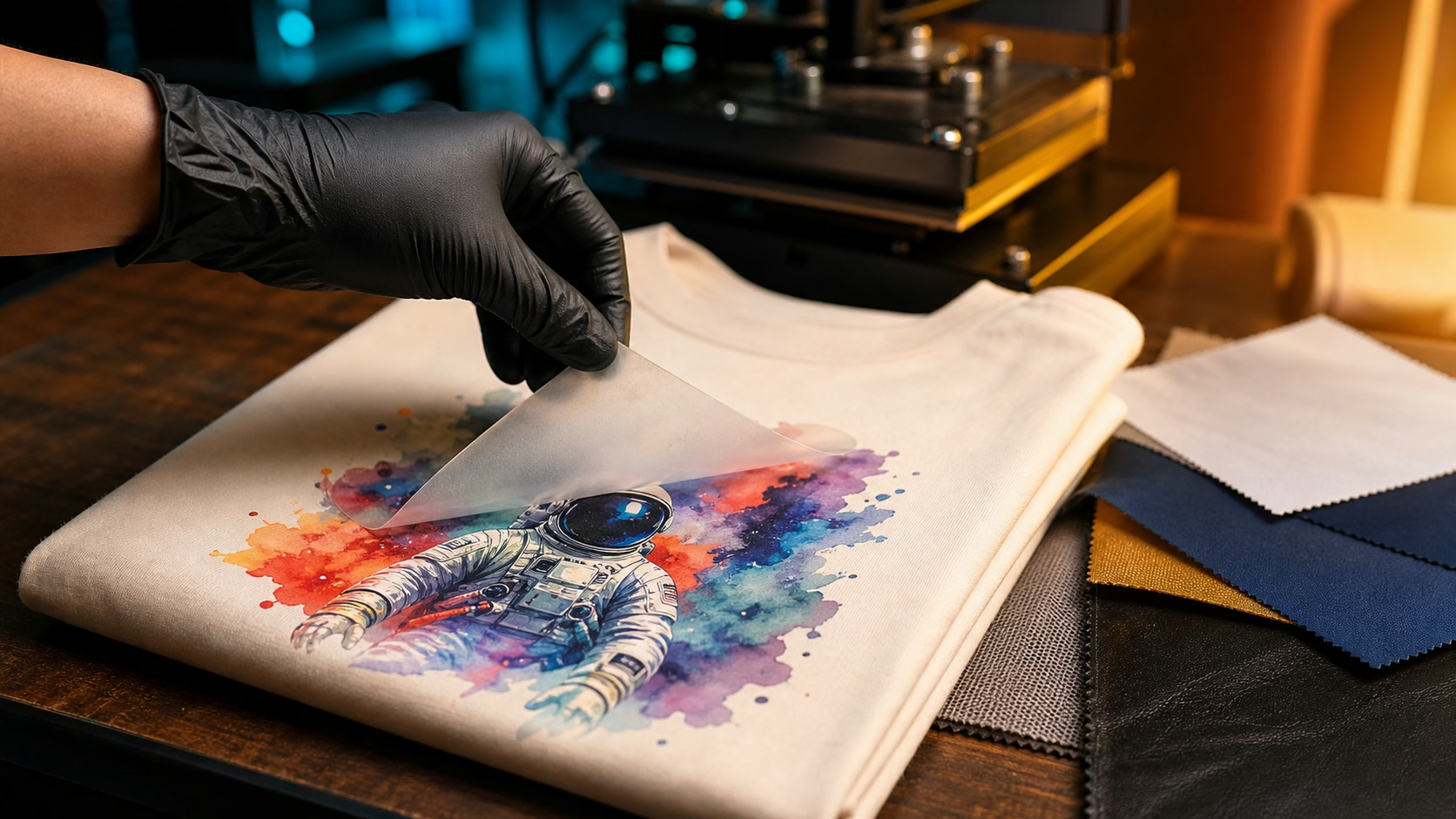
The ultimate goal of DTF printing is a clean, durable transfer to substrates like t-shirts or mugs. Inkjet ink fails here on two fronts: first, its weak bond with the film means little to no ink transfers during heat pressing; second, even if some ink transfers, it lacks the flexibility and resistance of DTF UV ink. Prints fade after one wash, crack when stretched, or smudge with minimal handling.
3. Edge Cases: Modified Inkjet Inks and Their Limitations
Some users experiment with modified inkjet inks (e.g., adding UV photoinitiators or mixing with DTF ink) in an attempt to bridge the gap. While these tweaks may improve adhesion slightly, they come with significant caveats and are not recommended for professional use.
Adding photoinitiators to water-based inkjet ink can enable basic UV curing, but the resulting mixture often has inconsistent viscosity. This leads to printer nozzle clogs and uneven ink application. Mixing inkjet ink with DTF UV ink dilutes the DTF ink’s performance, reducing its durability and transfer efficiency. A hobbyist’s experiment found that a 50/50 mix retained only 30% of the DTF ink’s transfer success rate, with prints fading after three washes.
4. Viable Alternatives: Ensuring Success with DTF UV Film
While standard inkjet ink is not suitable for DTF UV film, there are cost-effective and reliable alternatives that maintain print quality and workflow efficiency.
1. Use Purpose-Built DTF UV Ink
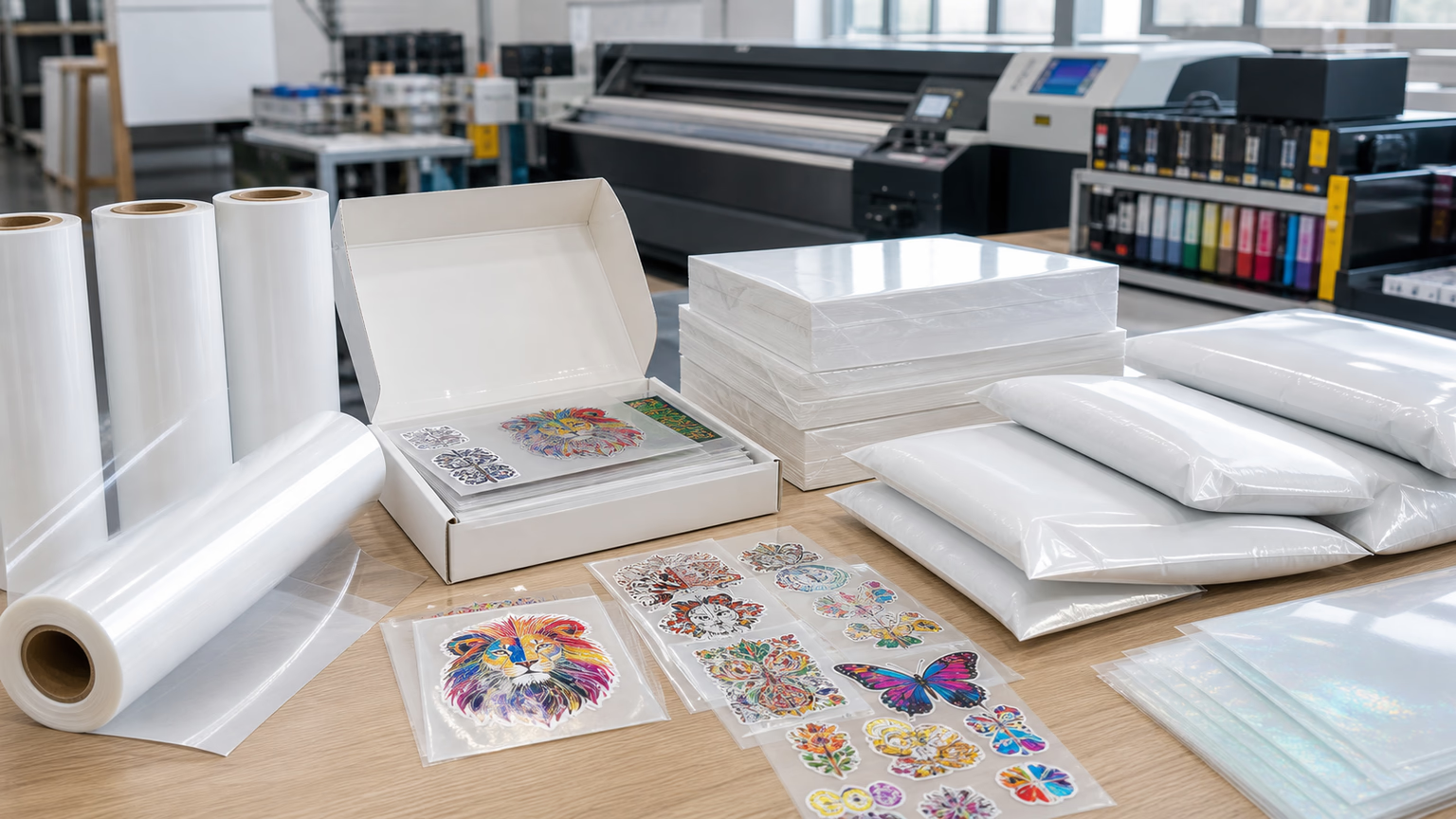
The most straightforward solution is investing in DTF UV ink. While it costs more than standard inkjet ink, it eliminates waste from failed prints and ensures professional results. Reputable brands offer ink sets compatible with most DTF printers, and many sell small-volume cartridges for hobbyists or small-batch production.
2. Upgrade to a DTF-Ready Inkjet Printer
If you already own an inkjet printer, some models can be modified with DTF UV ink systems. This involves replacing the printer’s ink reservoirs and cleaning the print heads to avoid cross-contamination. While this requires an initial investment, it allows you to repurpose your hardware for DTF UV printing without sacrificing quality.
3. Opt for DTF Film Compatible with Standard Inkjet Ink
If cost is a primary concern, consider switching to non-UV DTF film designed for inkjet ink. These films have a porous, ink-receptive coating that works with water-based or solvent-based inkjet inks. Note that they require air-drying (instead of UV curing) and may have lower durability than DTF UV film, making them ideal for temporary or low-use projects.
4. Conclusion: Prioritize Compatibility for Quality Results
The short answer to “Can you use inkjet ink on DTF UV film?” is no—at least not if you want professional, durable results. The chemical mismatch between standard inkjet ink and DTF UV film’s coating leads to adhesion issues, curing failures, and poor transfers. While modified inks offer a workaround, they are unreliable and wasteful.
For anyone serious about DTF UV printing, investing in purpose-built DTF UV ink is the most cost-effective choice in the long run. Alternatively, modifying an existing inkjet printer for DTF UV use or switching to inkjet-compatible DTF film can balance budget and performance. By prioritizing compatibility, you ensure that your prints are vibrant, durable, and worth the time and resources invested in creating them.