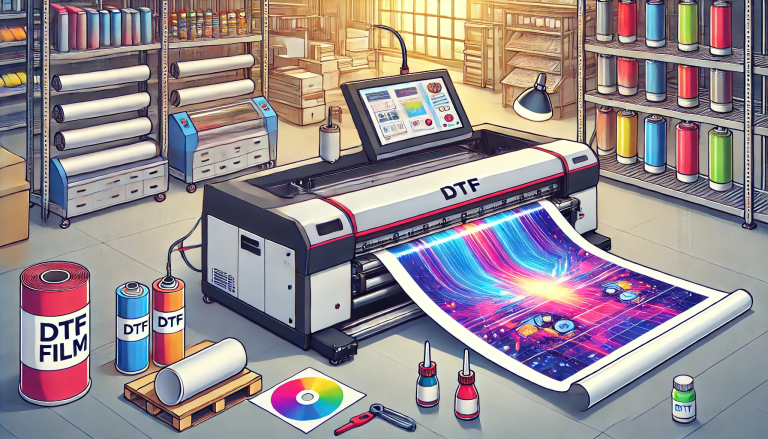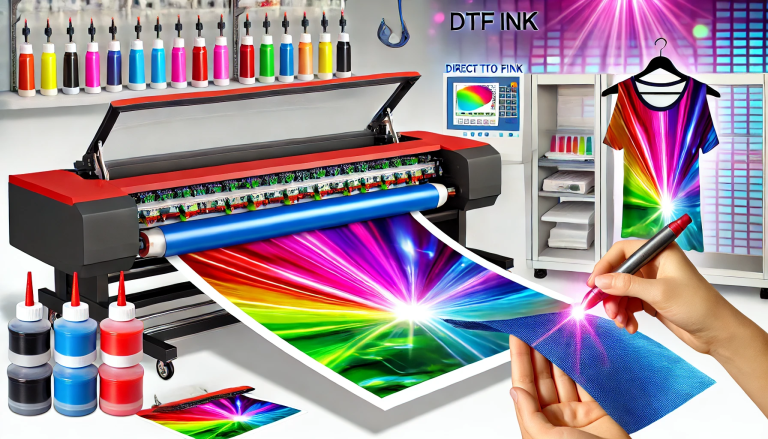
In the realm of direct-to-film (DTF) printing, DTF transfer film sheets stand as a foundational component, bridging the gap between digital designs and physical substrates. These specialized sheets are engineered to carry printed designs during the transfer process, ensuring vibrant, durable results across a wide range of materials. Whether you’re a hobbyist exploring custom apparel or a small business owner scaling up production, understanding DTF transfer film sheets is key to unlocking the full potential of DTF technology. This guide delves into everything you need to know about DTF transfer film sheets, from their core definition and functionality to practical tips for selection and use.
What Are DTF Transfer Film Sheets?
DTF transfer film sheets are thin, flexible polyethylene terephthalate (PET) film sheets coated with a proprietary layer designed explicitly for DTF printing. Unlike generic PET films, these sheets are optimized to work seamlessly with DTF inks and hot-melt adhesive powders, serving as a temporary carrier for designs before they are transferred to the target substrate (e.g., fabric, wood, plastic, metal).
The core purpose of DTF transfer film sheets is to hold the printed ink and adhesive layer securely during the printing and curing stages, then release the design cleanly onto the substrate when heat and pressure are applied. Their unique coating ensures that DTF inks adhere evenly without bleeding or smudging, while also allowing for smooth peeling after transfer—leaving only the vibrant design behind.
Key Characteristics of High-Quality DTF Transfer Film Sheets
Not all DTF transfer film sheets are created equal. High-quality options are distinguished by several critical features that directly impact print quality and durability:
- Specialized Coating: The most important feature is a uniform, high-performance coating that promotes strong ink adhesion. This coating prevents ink bleeding, ensures sharp design details, and facilitates proper bonding with hot-melt adhesive powder. Low-quality sheets with uneven or inferior coatings often result in blurry prints or poor adhesive attachment.
- Optimal Thickness: Standard DTF transfer film sheets range from 100 to 120 microns in thickness. This range strikes a perfect balance: thick enough to withstand handling during printing and transfer (without tearing) yet thin enough to peel away easily from the substrate. Thicker sheets may be difficult to peel, while thinner ones risk tearing or warping under heat.
- Heat Resistance: DTF printing involves exposure to high temperatures during curing (149–160°C / 300–320°F) and transfer (160–177°C / 320–350°F). High-quality sheets are heat-resistant, maintaining their shape and structure without melting, warping, or emitting harmful fumes. Heat instability can lead to design misalignment or damaged prints.
- Consistent Uniformity: Top-tier sheets have consistent thickness and coating across their entire surface. Uniformity ensures even ink absorption and adhesive distribution, resulting in consistent color vibrancy and adhesion across the entire design. Irregular sheets may cause patchy prints or areas where the design fails to transfer.
- Reliable Peelability: After heat transfer, the sheet should peel away from the substrate cleanly, leaving no residue or damage to the design. This “release” property is engineered into the coating, ensuring a smooth, hassle-free peeling process. Poor peelability can ruin the final product by leaving sticky residue or pulling ink off the substrate.
How DTF Transfer Film Sheets Work in the DTF Printing Process
DTF transfer film sheets are integral to every step of the DTF printing workflow. Here’s a step-by-step breakdown of their role:
- Design Preparation: First, create or select a digital design using graphic software (e.g., Adobe Photoshop, Canva). Adjust the design size to fit the DTF transfer film sheet (accounting for a small border to avoid edge issues). For dark substrates, add a white underbase layer to enhance color vibrancy.
- Printing on the Film Sheet: Load the DTF transfer film sheet into a DTF printer. The printer deposits water-based DTF ink directly onto the sheet’s coated surface, creating the design. Immediately after printing, a layer of hot-melt adhesive powder is applied to the wet ink—adhering to the design while excess powder is shaken off and recycled.
- Curing the Design: The printed film sheet is then cured (dried) using a heat press or curing oven. The heat melts the adhesive powder, bonding it to the ink and creating a durable, flexible layer on the sheet. This step ensures the design stays intact during transfer.
- Heat Transfer to Substrate: Place the cured film sheet (design side down) onto the target substrate. Use a heat press to apply controlled heat and pressure—this melts the adhesive layer, permanently bonding the ink to the substrate. After cooling briefly, peel away the DTF transfer film sheet to reveal the finished design.
Common Types of DTF Transfer Film Sheets
DTF transfer film sheets are available in several types to suit different project needs and printing setups:
- Hot-Peel Sheets: Designed to be peeled immediately after heat transfer (while still warm). Hot-peel sheets are ideal for high-volume production, as they speed up the workflow. They work well with most fabrics and rigid substrates, offering quick release and consistent results.
- Cold-Peel Sheets: Require cooling for 30–60 seconds after heat transfer before peeling. Cold-peel sheets often provide better adhesion for delicate substrates (e.g., polyester blends) or intricate designs, as the cooling process allows the adhesive to bond more thoroughly.
- Sheet Sizes: Available in standard sizes to fit desktop and industrial DTF printers. The most common size is 8×11 inches (letter size), ideal for small to medium projects. Larger sizes (e.g., A3, 13×19 inches) are also available for bigger designs or industrial use. Some manufacturers offer custom sizes for specialized projects.
- Clear vs. White-Backed Sheets: Most DTF transfer film sheets are clear, relying on a white ink underbase for dark substrates. White-backed sheets have a pre-applied white layer, eliminating the need for a white ink underbase and simplifying printing for dark materials—though they are less common and often more expensive.
How to Choose the Right DTF Transfer Film Sheets
Selecting the right DTF transfer film sheets is critical for achieving professional results. Consider the following factors when making your choice:
- Printer Compatibility: Ensure the sheets are compatible with your DTF printer model (desktop or industrial). Some sheets are optimized for specific printers or ink types (water-based vs. UV-curable), so check the manufacturer’s recommendations.
- Substrate Type: Match the sheet type to your substrate. For delicate fabrics or intricate designs, choose cold-peel sheets. For high-volume production on standard fabrics or rigid substrates, hot-peel sheets are more efficient. For dark substrates, ensure the sheets work well with white ink underbases.
- Project Volume: For small-batch projects (e.g., hobbyist or custom orders), pre-cut sheets are convenient and minimize waste. For large-scale production, consider larger sheet sizes or rolls (converted into sheets if needed) to reduce downtime from frequent sheet changes.
- Quality vs. Cost: While budget-friendly sheets may seem appealing, they often lack the coating quality and heat resistance of premium options—leading to more waste and lower-quality prints. Invest in reputable brands for consistent results, especially for commercial projects where quality directly impacts customer satisfaction.
- Peel Type Preference: Evaluate your workflow speed and substrate needs. Hot-peel sheets save time for high-volume jobs, while cold-peel sheets offer better adhesion for challenging substrates. Test both types if you work with a variety of materials.
Tips for Using DTF Transfer Film Sheets Effectively
To maximize the performance of DTF transfer film sheets and achieve the best possible results, follow these expert tips:
- Proper Storage: Store sheets in a cool, dry place away from direct sunlight and moisture. Moisture can damage the coating, leading to poor ink adhesion. Keep sheets flat or rolled (to avoid creasing) and seal them in airtight bags when not in use.
- Handle with Care: Avoid touching the coated surface with bare hands, as oils and dirt from your skin can contaminate the coating. Use clean, dry gloves or handle the sheets by their edges to preserve ink adhesion.
- Calibrate Your Printer: Before printing on new DTF transfer film sheets, calibrate your printer to ensure optimal ink flow and coverage. Print a test design on a scrap sheet to check for bleeding, misalignment, or color inconsistencies.
- Follow Heat and Pressure Guidelines: Adhere to the recommended temperature and pressure settings for your sheet type, ink, and substrate. Too little heat/pressure leads to poor adhesion, while too much can warp the sheet or damage the design.
- Recycle Excess Adhesive Powder: After applying adhesive powder to the printed sheet, shake off excess powder and collect it for reuse. This reduces waste and lowers material costs over time.
Conclusion
DTF transfer film sheets are the unsung heroes of DTF printing, enabling creators and businesses to produce vibrant, durable custom prints across a diverse range of substrates. Their specialized design—from the proprietary coating to heat-resistant properties—ensures that digital designs translate seamlessly to physical products. By understanding their core characteristics, types, and proper use, you can select the right sheets for your projects, minimize waste, and achieve professional-quality results.
Whether you’re printing custom t-shirts, branded promotional items, or personalized home décor, DTF transfer film sheets are a versatile, reliable tool that unlocks the full potential of DTF technology. With the right knowledge and practices, these sheets will become an indispensable part of your printing workflow, helping you bring creative visions to life efficiently and effectively.