“Is Pet UV DTF Resistant? A Comprehensive Guide for Pet Owners” -MAXDTF- UV DTF Paper Manufacturer, China UV DTF Printing Decal, Made in China
As the custom printing industry seeks greater flexibility and cost-efficiency, a common question emerges: Can UV DTF Paper be used for inkjet printers? This query reflects the desire to leverage existing inkjet equipment for UV DTF applications, eliminating the need for specialized UV printers. While the short answer is “not directly without adjustments,” the full picture involves understanding the fundamental differences between UV DTF Paper, standard inkjet media, and the inks they require. This article explores the compatibility of UV DTF Paper with inkjet printers, the necessary modifications, potential challenges, and alternative solutions to expand printing capabilities.
1. Key Differences: UV DTF Paper vs. Standard Inkjet Paper
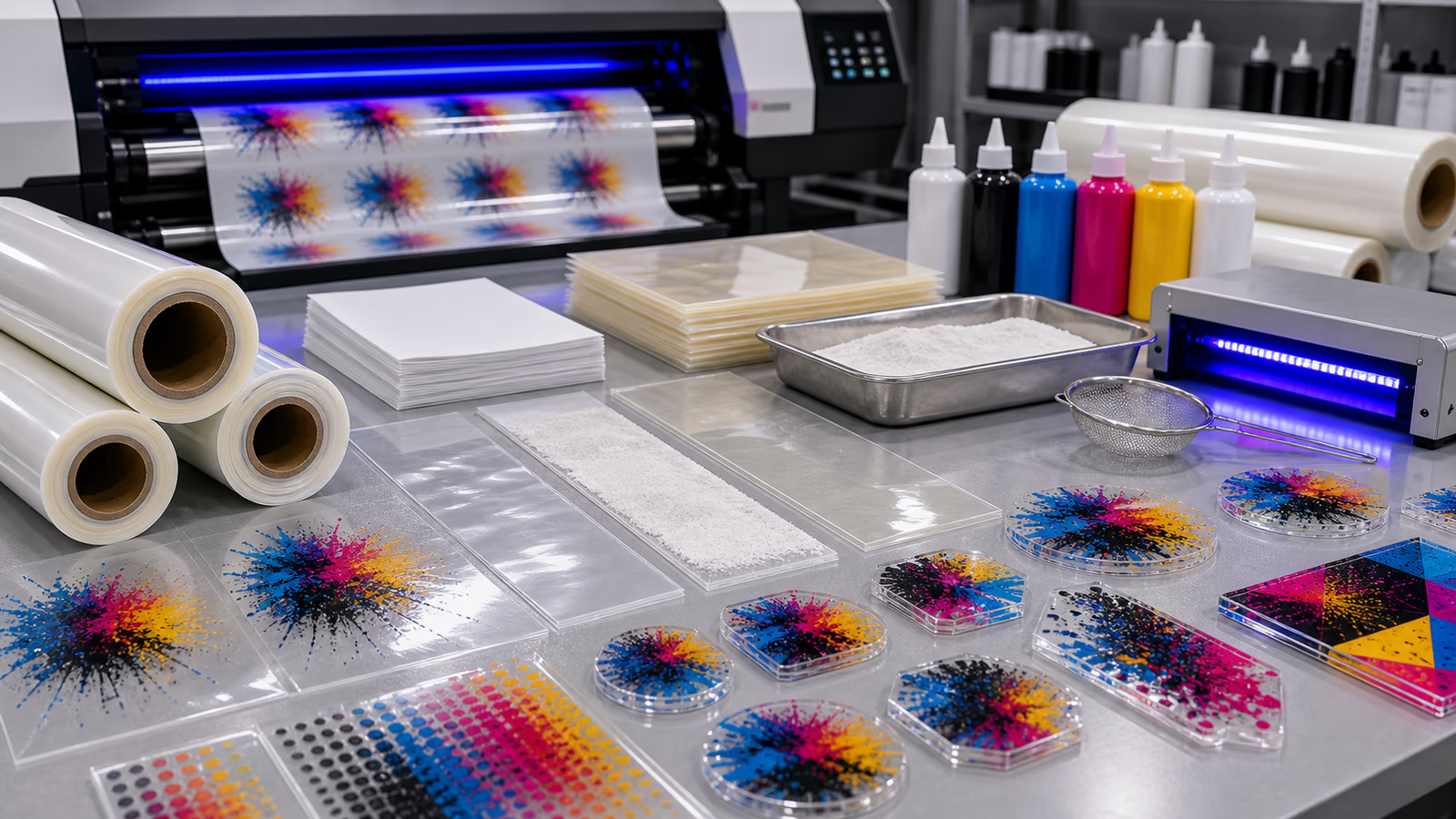
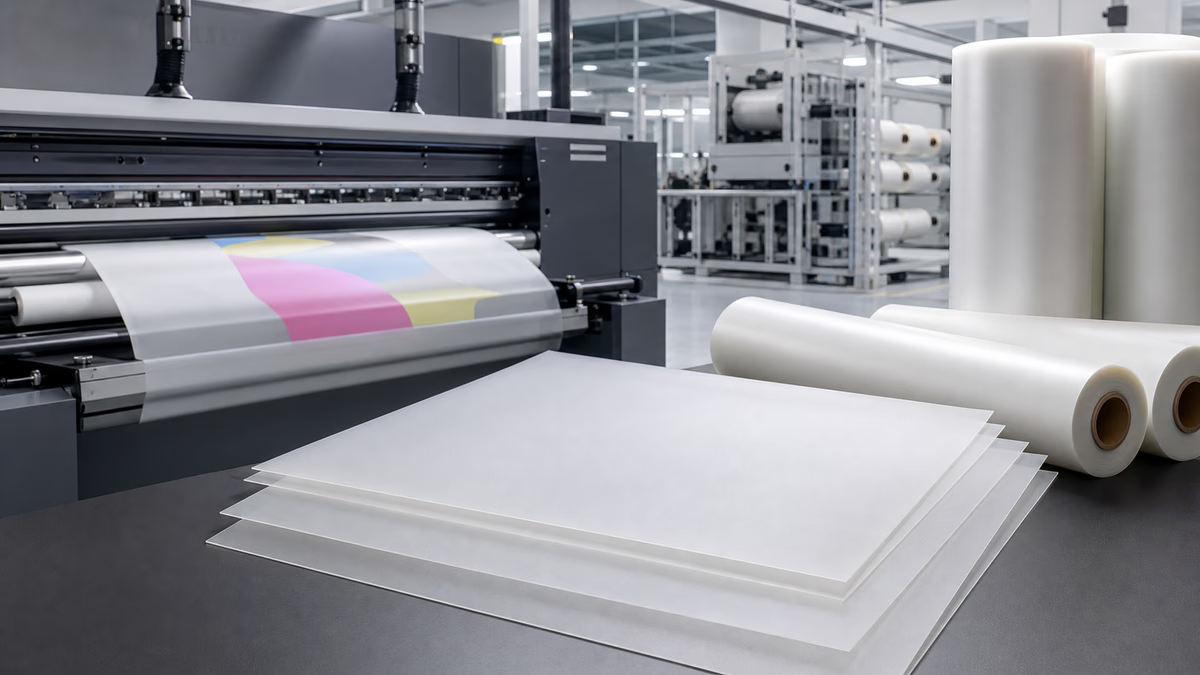
To address compatibility, we first clarify the core distinctions between UV DTF Paper and standard inkjet paper, as well as their intended ink systems. UV DTF Paper is engineered specifically for UV-curable inks, featuring a coated surface that facilitates instant ink curing under UV light and bonds effectively with the pressure-sensitive adhesive used in UV DTF transfers. It is designed to withstand the chemical properties of UV inks, which are thicker and more viscous than aqueous or solvent-based inkjet inks.
In contrast, standard inkjet paper (whether matte, glossy, or photo paper) is optimized for aqueous, solvent, or latex inks. Its coating is formulated to absorb or adhere to these inks, ensuring quick drying and high print quality. Unlike UV DTF Paper, it lacks the specialized layer needed to interact with UV inks or support the UV DTF transfer process. Additionally, inkjet printers typically use piezoelectric or thermal printheads that are calibrated for the flow and viscosity of non-UV inks, further complicating direct use with UV DTF Paper.
2. Can UV DTF Paper Work with Inkjet Printers? The Feasibility Breakdown
Directly using UV DTF Paper in a standard inkjet printer (without modifications) is not feasible for two primary reasons: ink incompatibility and printhead limitations. First, standard inkjet inks (e.g., aqueous) will not bond properly with UV DTF Paper’s coating. Aqueous inks may bleed, smudge, or fail to dry fully on UV DTF Paper, resulting in poor print quality and compromised adhesion during the transfer process. Second, UV DTF Paper’s thickness and surface texture may not be compatible with inkjet printer paper paths, leading to jams or uneven printing.
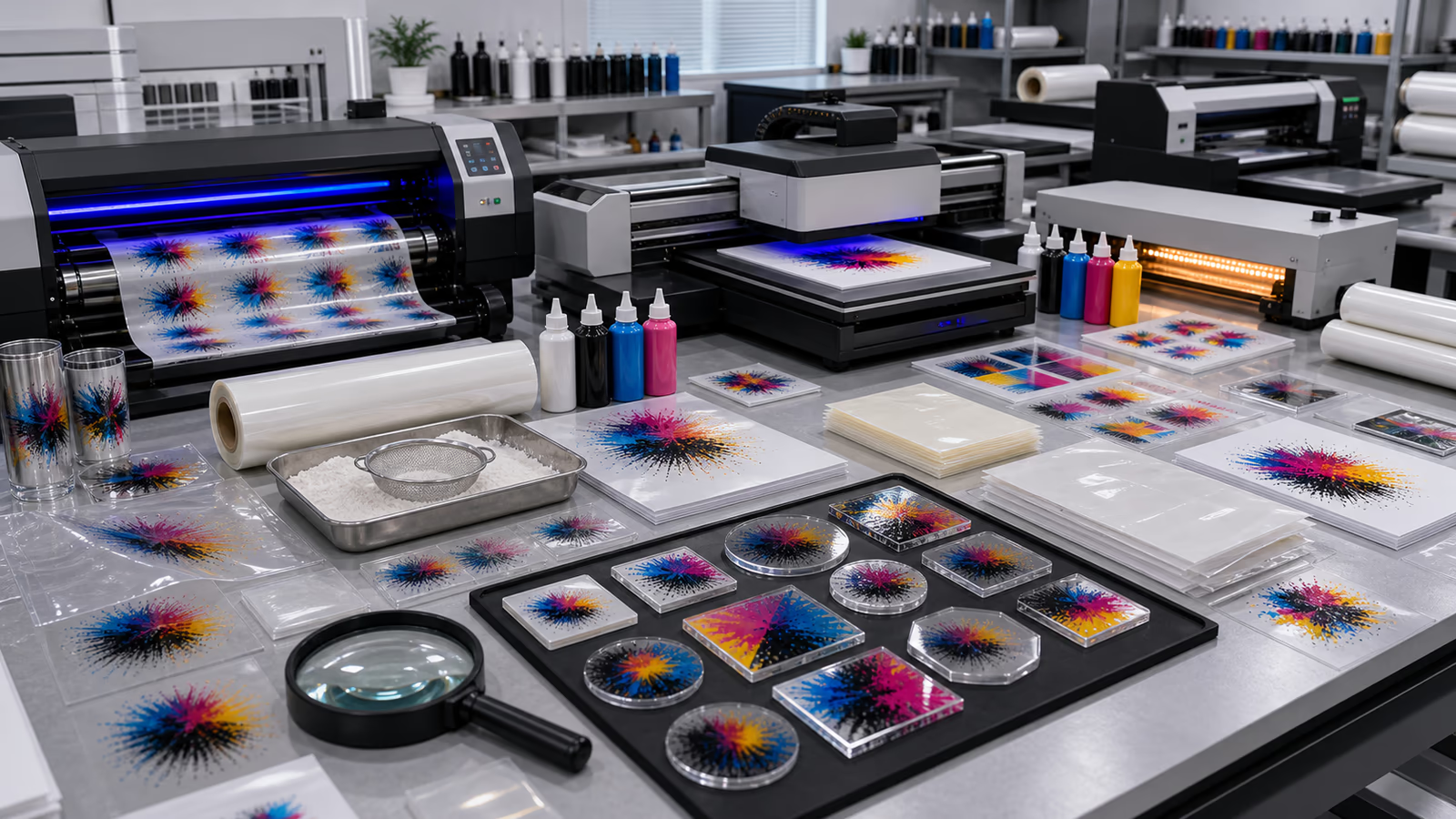
However, with targeted modifications, some inkjet printers can be adapted to work with UV DTF Paper—but this requires switching to UV-curable inks and installing UV curing modules. Modified inkjet printers (often called “UV inkjet printers”) use UV inks that are compatible with UV DTF Paper’s coating. The addition of UV lamps ensures instant ink curing, mimicking the functionality of dedicated UV DTF printers. This adaptation bridges the gap, allowing UV DTF Paper to be used with modified inkjet equipment.
3. Essential Modifications for Inkjet Printers to Use UV DTF Paper
For businesses or hobbyists looking to use UV DTF Paper with inkjet printers, the following modifications are non-negotiable to ensure compatibility and performance:
- Switch to UV-Curable Inks: Replace standard inkjet inks with UV-curable inks that match the specifications of UV DTF Paper. UV inks are formulated to bond with the paper’s coating and cure instantly under UV light, preventing smudging and ensuring print durability.
- Install UV Curing Modules: Add UV lamp modules (LED or mercury vapor) to the inkjet printer. These modules cure the UV ink immediately after printing, a critical step for UV DTF Paper to maintain print integrity and prepare for the adhesive lamination process.
- Adjust Printhead Settings: Calibrate the printer’s printhead to accommodate the higher viscosity of UV inks. This may involve adjusting ink flow rates, print speed, and nozzle alignment to ensure consistent ink deposition on UV DTF Paper.
- Modify Paper Handling: Ensure the printer’s paper path can accommodate the thickness of UV DTF Paper. This may require adjusting roller pressure, adding a bypass tray, or modifying feed mechanisms to prevent jams.
4. Challenges of Using Modified Inkjet Printers with UV DTF Paper
While modifications enable compatibility, they come with inherent challenges that must be considered:
- Cost of Modifications: Switching to UV inks and installing UV curing modules can be expensive, often comparable to purchasing a dedicated UV DTF printer. For small businesses or hobbyists, this may not be cost-effective.
- Maintenance Complexity: UV inks are more corrosive than standard inkjet inks, requiring regular printhead maintenance to prevent clogging. UV curing modules also need periodic inspection and bulb replacement.
- Performance Limitations: Modified inkjet printers may not match the speed or print quality of dedicated UV DTF printers, which are engineered specifically for UV DTF Paper and transfer processes. This can be a drawback for high-volume or high-precision projects.
5. Alternative Solutions: Expanding Printing Horizons Without Modifications
For those looking to avoid modifying inkjet printers but still want to explore versatile printing options similar to UV DTF, the following alternatives are more practical:
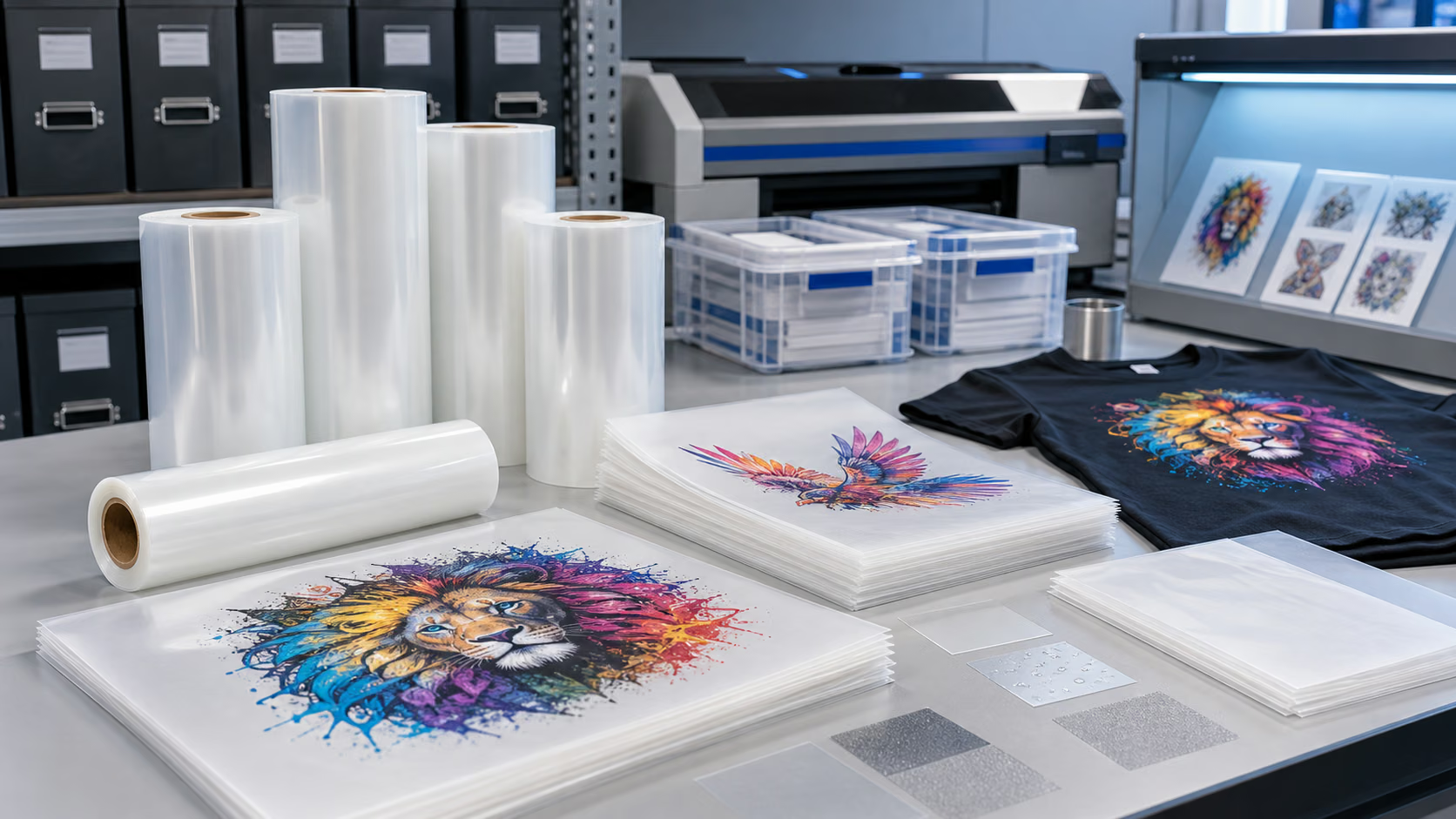
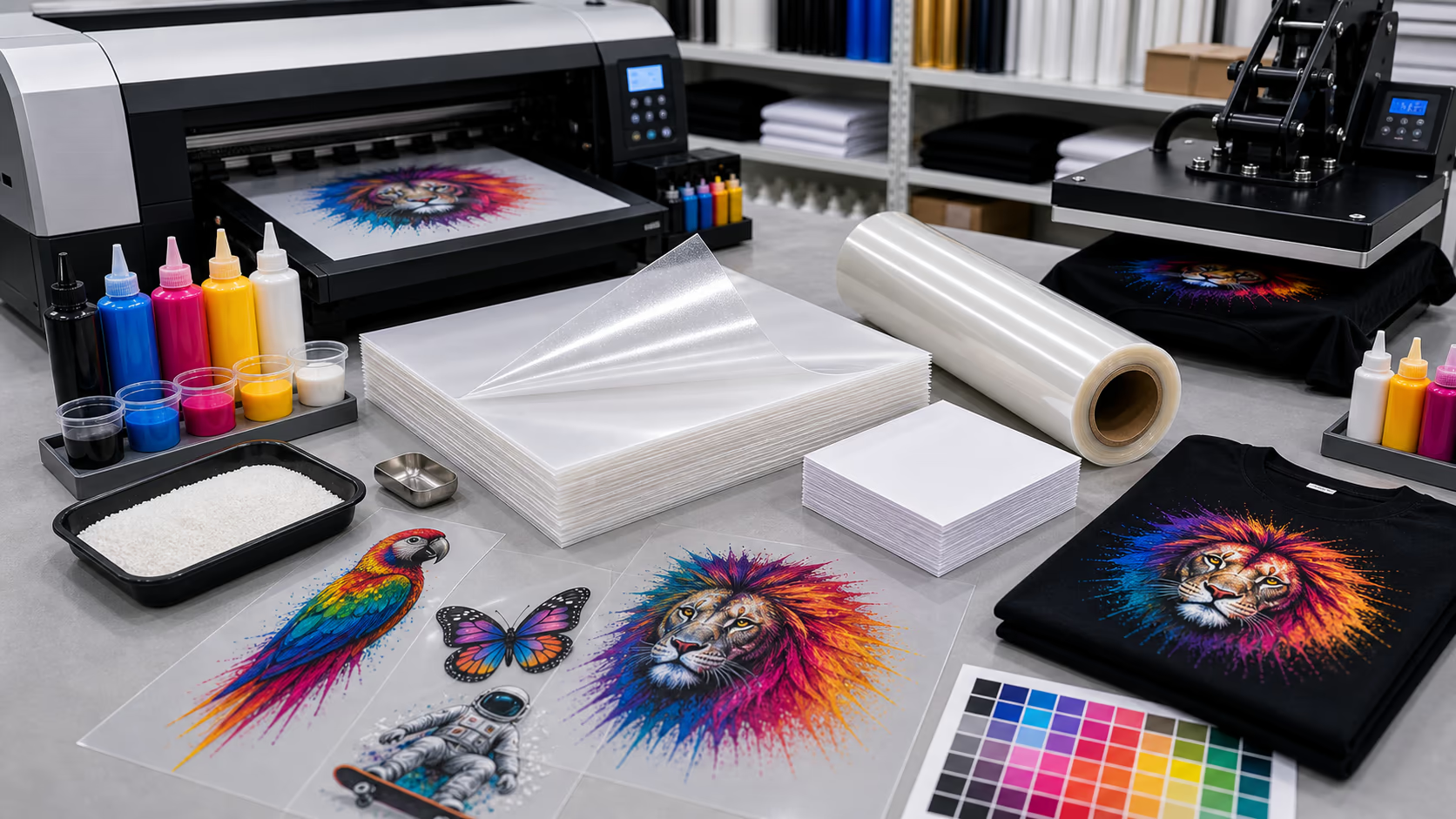
- Standard DTF Printing with Inkjet-Compatible Films: Use standard DTF films (optimized for aqueous or solvent-based inks) with existing inkjet printers. Standard DTF does not require UV curing; instead, it uses heat to cure adhesive powder, making it a plug-and-play option for inkjet users.
- Inkjet Transfer Paper for Specific Substrates: For fabric or hard substrate customization, use inkjet-compatible transfer papers (e.g., heat transfer paper for apparel, waterslide decal paper for ceramics). These papers are designed for standard inkjet inks and require only a heat press or water activation for transfer.
- Rent or Outsource UV DTF Projects: For occasional UV DTF needs, outsource projects to professional printers with dedicated UV DTF equipment instead of investing in modifications. This is cost-effective for low-volume or one-off jobs.
Conclusion: Making Informed Choices to Expand Printing Capabilities
While UV DTF Paper cannot be used with standard inkjet printers directly, modified UV inkjet printers can accommodate it with the right inks and curing systems. However, the cost and complexity of modifications often make this approach impractical for most users. Instead, standard DTF films or inkjet-compatible transfer papers offer more accessible ways to expand printing horizons using existing inkjet equipment.
Ultimately, the decision depends on your specific needs: if UV DTF’s unique advantages (e.g., durability on diverse substrates, instant curing) are essential, investing in a dedicated UV DTF printer is the most reliable option. For those looking to leverage existing inkjet hardware, exploring inkjet-compatible transfer solutions is a more cost-effective and straightforward path. By understanding the compatibility constraints and alternative options, you can make informed choices to expand your printing capabilities without unnecessary investments or compromises on quality.