“The perfect size for all your transferring needs!” -MAXDTF- DTF Transfer Sheets Manufacturer, DTF Digital Transfer Film Supplier, Made in china
In the dynamic world of custom printing, Direct-to-Film (DTF) technology has emerged as a game-changer, offering unparalleled versatility and ease of use for creators, small businesses, and hobbyists alike. At the heart of this technology lies the DTF transfer sheet—a specialized medium that bridges digital designs and physical substrates. Among the various sizes available, the 8 x 11-inch DTF transfer sheet stands out as a practical, accessible option for a wide range of projects. This comprehensive guide delves into everything you need to know about 8 x 11 DTF transfer sheets, from their core functionality to best practices for achieving professional results.
What Are DTF Transfer Sheets?
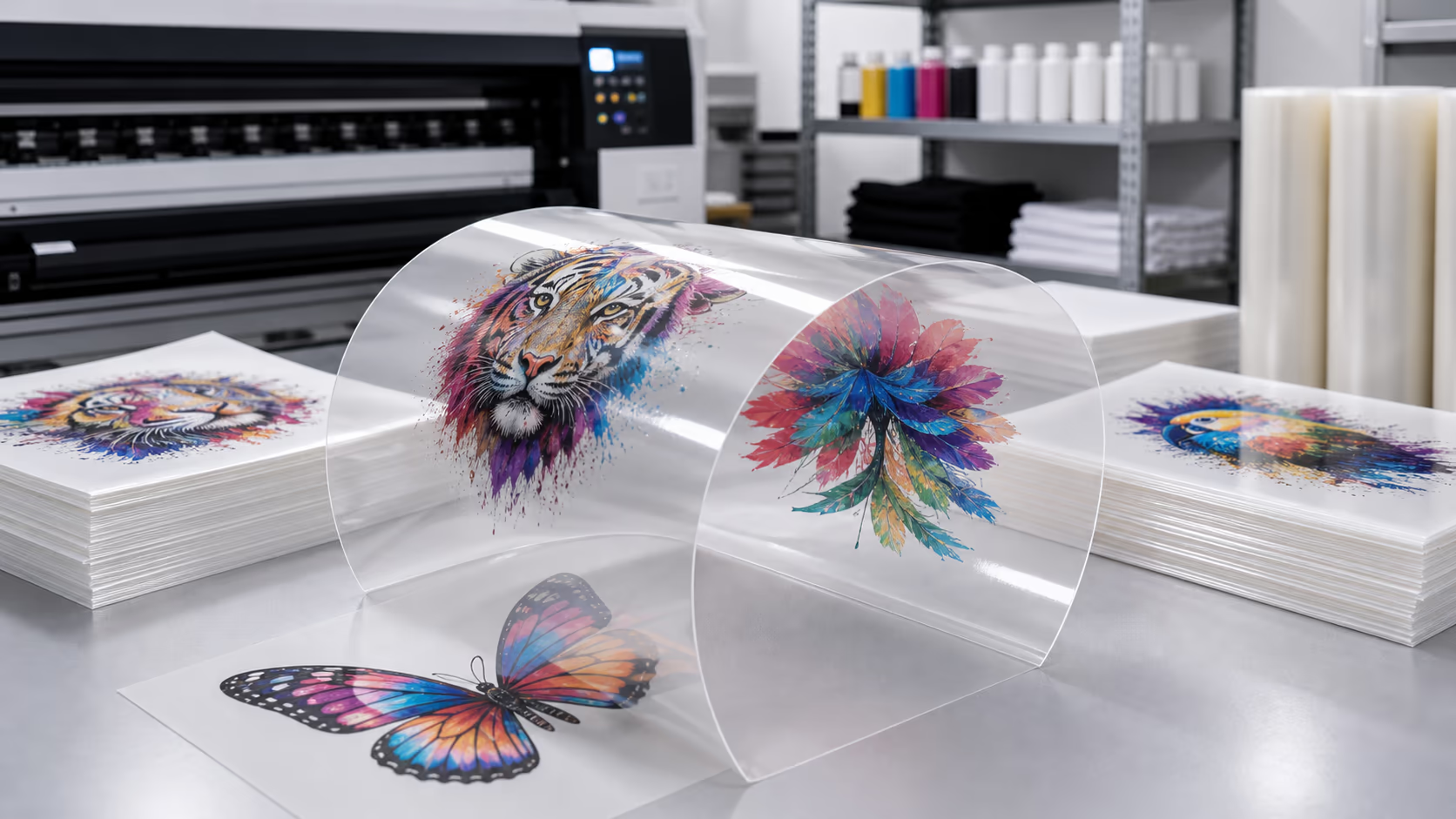
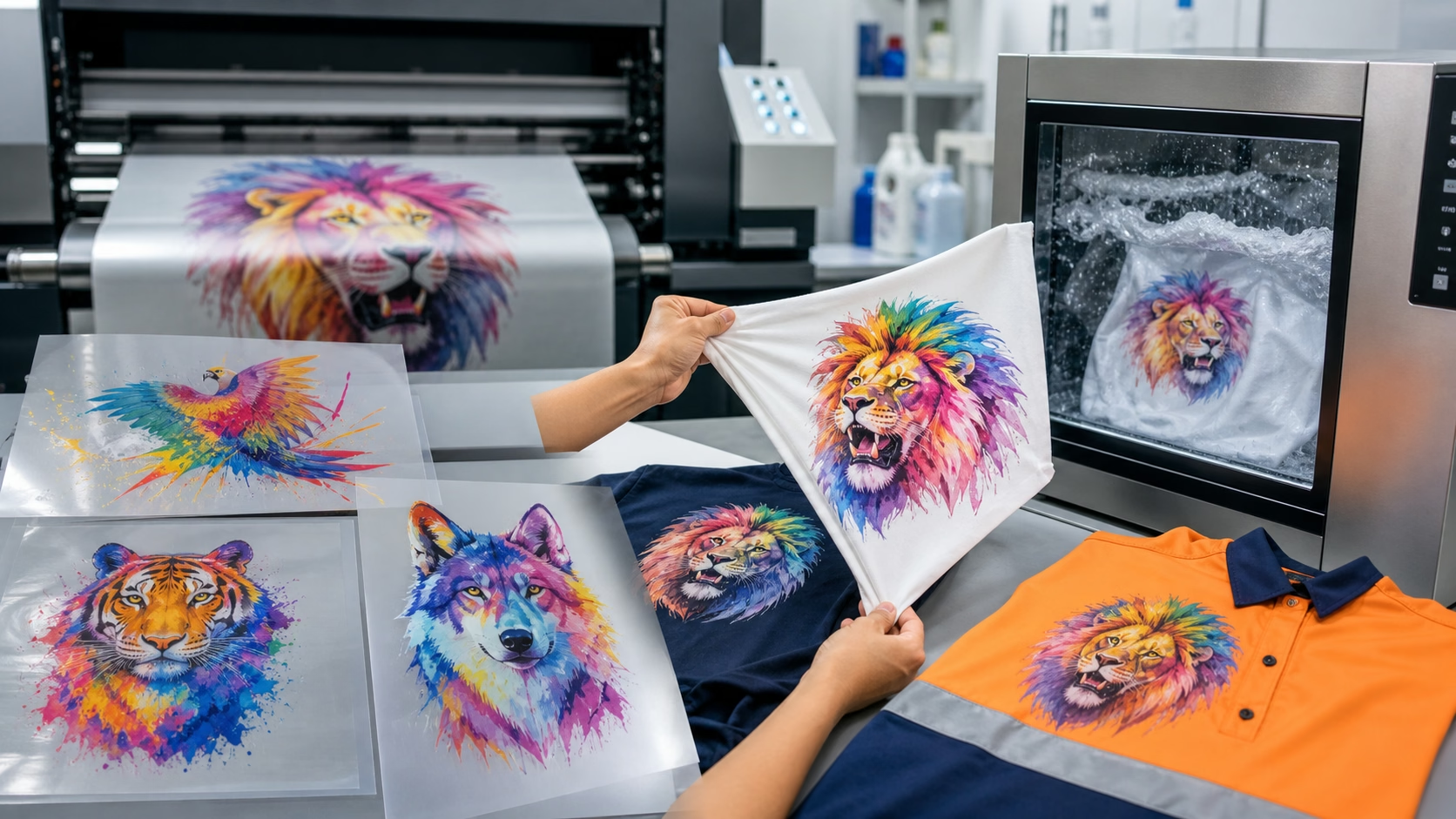
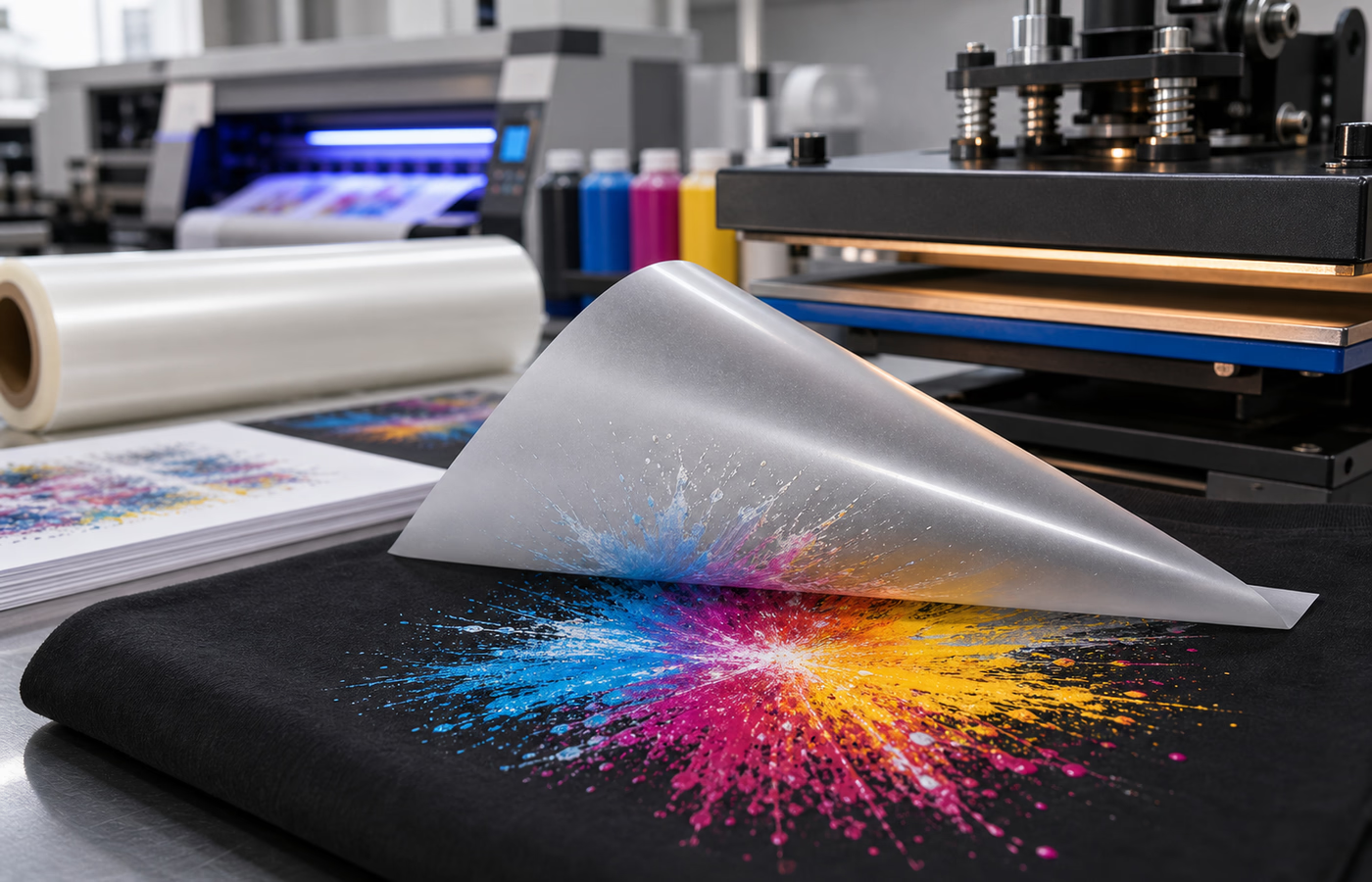
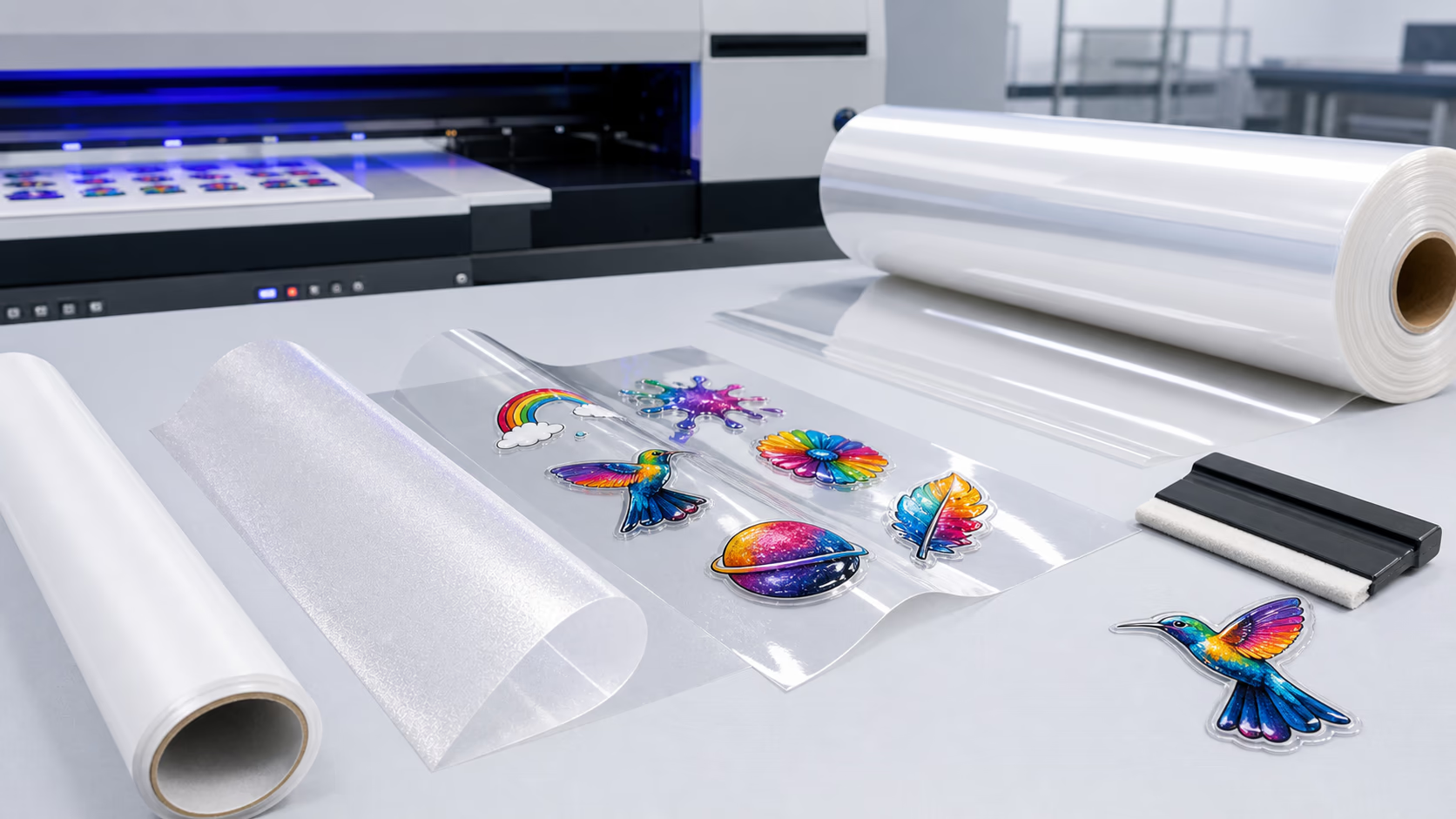
DTF transfer sheets are specially coated polyester films designed to work with DTF printing systems. Unlike traditional heat transfer methods that require cutting (such as vinyl) or direct printing onto specific fabrics (such as DTG), DTF uses these sheets as an intermediary: a printer deposits water-based ink onto the sheet, followed by a layer of hot-melt adhesive. Once printed, the design is transferred onto the target substrate (e.g., fabric, wood, plastic) using heat and pressure. The adhesive melts during this process, bonding the ink to the substrate permanently, while the polyester film peels away cleanly, leaving only the vibrant design behind.
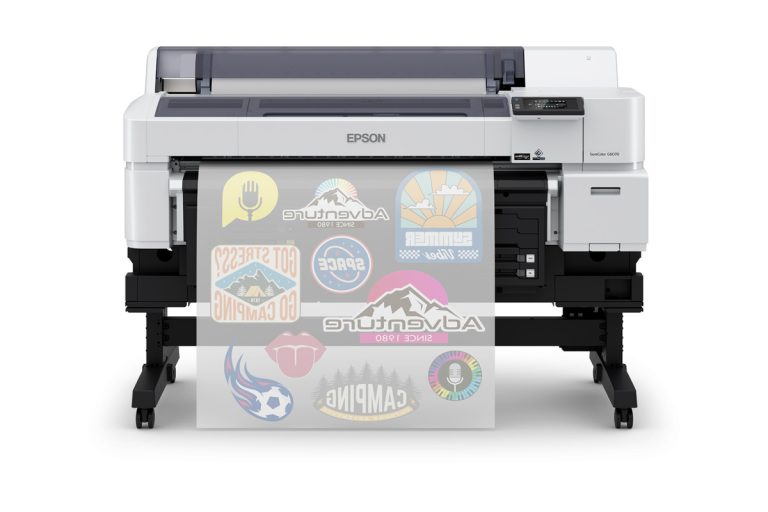
The 8 x 11-inch dimension—equivalent to the standard letter size—makes these sheets particularly popular for small to medium-sized projects. They fit easily into most desktop DTF printers, eliminating the need for large-format equipment, and are cost-effective for prototyping, custom apparel (e.g., t-shirts, hats, bags), accessories, and personalized gifts.
How Do 8 x 11 DTF Transfer Sheets Work?
The DTF printing process using 8 x 11 sheets follows a straightforward, four-step workflow, making it accessible even to beginners:
- Design Preparation: Start by creating or selecting a digital design using graphic software (e.g., Adobe Photoshop, Illustrator, Canva). Ensure the design size fits within the 8 x 11-inch sheet (accounting for a small border to avoid edge issues). Reverse the design if printing on light-colored substrates (though DTF typically doesn’t require mirroring for most applications, double-check your printer’s guidelines).
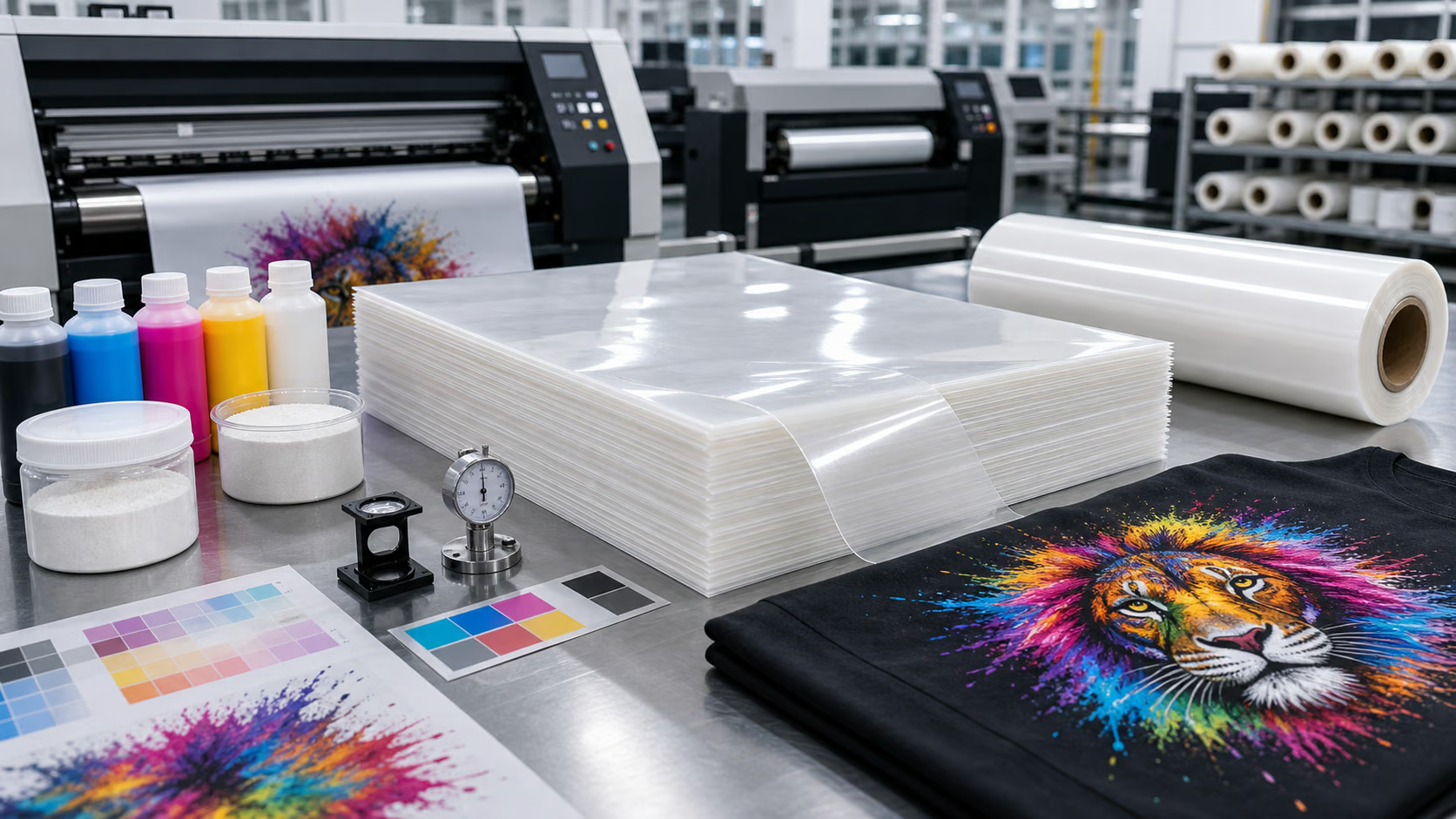
- Printing on the DTF Sheet: Load the 8 x 11 DTF transfer sheet into your DTF printer. The printer first deposits the water-based DTF ink, which adheres to the sheet’s special coating. Immediately after printing the ink layer, the printer applies a layer of DTF powder (hot-melt adhesive) over the wet ink. Excess powder is then shaken off and recycled, ensuring minimal waste.
- Curing the Design: The printed sheet is then passed through a curing oven or heat press (set to approximately 300–320°F / 149–160°C) for 2–3 minutes. Curing melts the adhesive powder, bonding it to the ink and creating a durable, flexible layer on the sheet.
- Heat Transfer to Substrate: Place the cured DTF sheet (design side down) onto the target substrate. Use a heat press to apply pressure (30–40 psi) and heat (320–350°F / 160–177°C) for 10–15 seconds. After cooling for a few seconds, peel off the polyester film—your design will be permanently transferred to the substrate.
Key Advantages of 8 x 11 DTF Transfer Sheets
The 8 x 11 DTF transfer sheet offers several distinct benefits that make it a top choice for both hobbyists and small businesses:
- Versatility Across Substrates: Unlike DTG (which works best on 100% cotton) or vinyl (limited to smooth surfaces), DTF transfer sheets adhere to almost any material, including cotton, polyester, blends, leather, canvas, wood, metal, and plastic. This versatility opens up endless creative possibilities, from custom apparel to home décor and promotional items.
- Cost-Effective for Small Runs: For small-batch projects (1–50 pieces), 8 x 11 sheets are far more economical than large-format DTF rolls or screen printing (which requires expensive setup fees). They also minimize waste, as you only use the sheet size you need for each design.
- Easy to Use with Desktop Printers: Most entry-level and mid-range DTF printers are designed to handle 8 x 11-inch sheets, making DTF technology accessible to users without large workshop spaces or industrial equipment. The straightforward workflow also reduces the learning curve compared to more complex printing methods.
- Vibrant, Durable Results: DTF inks produce rich, full-color designs with excellent color accuracy and detail. The cured adhesive layer is flexible, ensuring the design doesn’t crack, peel, or fade after washing (when properly applied). This durability is ideal for apparel and items that undergo regular use.
- No Weeding Required: Unlike vinyl transfer, which requires tedious weeding (removing excess vinyl around the design), DTF transfer sheets print the design directly onto the film—no weeding necessary. This saves time and reduces the risk of damaging intricate designs.
Choosing the Right 8 x 11 DTF Transfer Sheet
Not all DTF transfer sheets are created equal. To achieve the best results, consider the following factors when selecting 8 x 11 sheets:
- Coating Quality: The sheet’s coating is critical for ink adhesion and transfer. Look for sheets with a uniform, high-quality coating that prevents ink bleeding and ensures sharp design details.
- Thickness: Opt for sheets with a thickness of 100–120 microns (standard for 8 x 11 DTF sheets). Thicker sheets may be more durable but can be harder to peel, while thinner sheets may tear during handling.
- Compatibility with Ink and Powder: Ensure the sheets are compatible with your DTF ink (water-based) and adhesive powder. Some sheets are optimized for specific brands of ink or powder, so check the manufacturer’s recommendations.
- Peel Type: DTF transfer sheets are available in hot-peel or cold-peel varieties. Hot-peel sheets are peeled immediately after pressing (while still warm), making them ideal for quick production. Cold-peel sheets require cooling before peeling, which can result in better adhesion for certain substrates (e.g., polyester blends).
Best Practices for Using 8 x 11 DTF Transfer Sheets
To maximize the quality and durability of your DTF prints, follow these best practices:
- Store Sheets Properly: Keep 8 x 11 DTF transfer sheets in a cool, dry place, away from direct sunlight and moisture. Moisture can damage the coating, leading to poor ink adhesion.
- Calibrate Your Printer: Regularly calibrate your DTF printer to ensure accurate color reproduction and ink coverage. Test prints on scrap sheets before printing your final design.
- Use the Right Heat and Pressure Settings: Follow the manufacturer’s guidelines for curing and transfer temperatures and pressure. Incorrect settings can result in poor adhesion (too little heat/pressure) or design distortion (too much heat/pressure).
- Prepare the Substrate: Clean the target substrate to remove dirt, dust, and oil before transfer. For fabrics, pre-press the substrate for 5–10 seconds to remove moisture and wrinkles, which can affect adhesion.
- Allow Proper Curing Time: Don’t rush the curing process. Ensure the printed sheet is fully cured (adhesive powder is completely melted) before transferring to the substrate. Under-cured designs may peel or fade over time.
Common Troubleshooting Tips
Even with proper preparation, you may encounter issues when using 8 x 11 DTF transfer sheets. Here are solutions to common problems:
- Design Peels After Transfer: This is typically caused by insufficient heat, pressure, or curing time. Increase the temperature or pressure slightly, or extend the curing/transfer time. Also, ensure the substrate is clean and dry.
- Ink Bleeding: Ink bleeding is often due to a low-quality coating or excess moisture in the sheet. Use high-quality sheets and store them properly. You can also reduce ink density in your design software.
- Poor Color Vibrancy: If your design looks dull, check your printer’s ink levels and calibration. Ensure the ink is fully cured, and consider using a white underbase for dark-colored substrates (white ink helps brighten colors on dark fabrics).
- Difficult to Peel the Film: If the film is hard to peel, you may have used too much pressure or heat. Reduce the pressure/temperature slightly, or switch to a hot-peel sheet if using a cold-peel variety.
Conclusion
8 x 11 DTF transfer sheets are a versatile, cost-effective solution for anyone looking to create custom prints without the need for expensive, large-format equipment. Their compatibility with a wide range of substrates, ease of use, and ability to produce vibrant, durable designs make them ideal for hobbyists, small businesses, and creators of all kinds. By understanding how these sheets work, choosing the right product, and following best practices, you can unlock the full potential of DTF technology and bring your creative visions to life.
Whether you’re printing custom t-shirts for a local event, personalized gifts for friends and family, or promotional items for your business, 8 x 11 DTF transfer sheets offer a reliable, accessible path to professional-quality results. With the right tools and knowledge, the possibilities are endless.