“How to Print on UV DTF Film: A Step-by-Step Guide to Achieving High-Quality Results” -MAXDTF- China UV DTF Printing Film, UV DTF PET Decal Manufacturer, Made in China
In the world of digital printing, the introduction of UV DTF (Direct-to-Film) technology has revolutionized the way we approach custom printing. UV DTF film offers a versatile, high-quality, and efficient solution for creating vibrant prints on a wide range of materials. Whether you’re a professional printer or a hobbyist, understanding how to print on UV DTF film is essential for achieving outstanding results. This step-by-step guide will walk you through the process, ensuring you master the art of UV DTF printing.
What is UV DTF Film?
UV DTF film is a specialized film designed for use with UV curable inks. The film is pre-coated with a layer that allows the ink to adhere and cure upon exposure to UV light. This process eliminates the need for traditional heat curing, making it faster and more energy-efficient. UV DTF film is renowned for its ability to produce high-definition prints with exceptional color vibrancy and durability.
Step-by-Step Guide to Printing on UV DTF Film
Step 1: Prepare Your Materials
Before you start, ensure you have all the necessary materials and equipment:
- UV DTF Film: Choose the appropriate type of film based on the material you plan to print on.
- UV Printer: A printer equipped with UV curable ink cartridges.
- UV Curing Unit: A device that emits UV light to cure the ink.
- Transfer Paper: A special paper used to transfer the print from the film to the final substrate.
- Substrate: The material you intend to print on (e.g., textiles, plastic, metal).
Step 2: Load the UV DTF Film
- Insert the Film: Load the UV DTF film into the printer according to the manufacturer’s instructions. Ensure the film is properly aligned to avoid misprints.
- Calibrate the Printer: Perform a calibration to ensure accurate printing. Most UV printers come with calibration software that guides you through this process.
Step 3: Design and Prepare Your Artwork
- Create Your Design: Use graphic design software to create or edit your design. Ensure the resolution is high enough for the desired print quality.
- Prepare for Printing: Export your design in a format compatible with your UV printer (e.g., PDF, JPEG). Some printers may require specific file formats, so check the specifications.
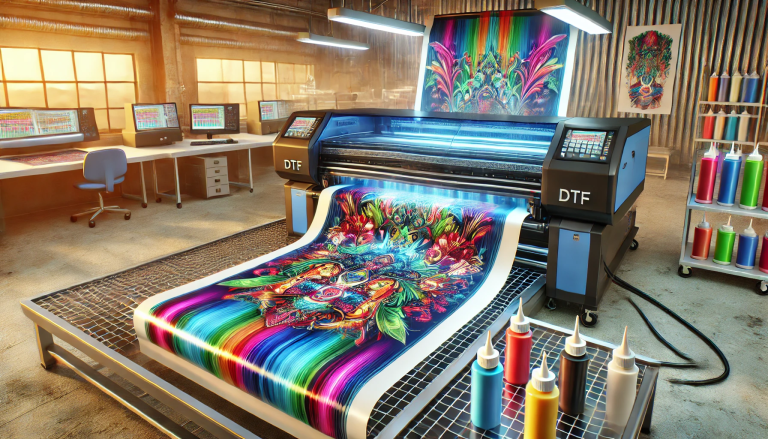
Step 4: Print on UV DTF Film
- Select Print Settings: Configure the printer settings to match your design requirements. This includes selecting the appropriate ink type, resolution, and print speed.
- Print the Design: Initiate the printing process. The UV printer will apply the ink to the DTF film. As the ink is exposed to UV light during the printing process, it will begin to cure.
Step 5: UV Curing
- Cure the Ink: Once the print is complete, pass the printed film through a UV curing unit. The UV light will fully cure the ink, ensuring it adheres firmly to the film.
- Quality Check: Inspect the print for any imperfections. If necessary, adjust the printer settings and repeat the process.
Step 6: Transfer the Print
- Apply Heat and Pressure: Place the printed film onto the transfer paper. Use a heat press to apply both heat and pressure, securing the print to the transfer paper.
- Peel Off the Film: Carefully peel away the UV DTF film, leaving the print on the transfer paper.
Step 7: Apply the Print to the Final Substrate
- Position the Transfer Paper: Place the transfer paper with the print onto the final substrate. Ensure it is properly aligned.
- Apply Heat and Pressure: Use a heat press to transfer the print from the transfer paper to the substrate. The heat and pressure will bond the ink to the material.
- Peel Off the Transfer Paper: Carefully remove the transfer paper, revealing your high-quality print.
Tips for Achieving High-Quality Results
- Use High-Quality Inks: Ensure your UV curable inks are of high quality to achieve vibrant, long-lasting prints.
- Maintain Your Equipment: Regularly clean and maintain your UV printer and curing unit to ensure consistent performance.
- Experiment with Settings: Don’t be afraid to experiment with different print settings to find the optimal combination for your specific needs.
- Follow Manufacturer Guidelines: Always refer to the manufacturer’s guidelines for best practices and troubleshooting.
Conclusion
Printing on UV DTF film is a game-changer in the world of digital printing, offering unmatched quality and versatility. By following this step-by-step guide, you can master the process and achieve high-quality results that exceed your expectations. Whether you’re creating custom apparel, promotional materials, or home décor, UV DTF printing opens up a world of creative possibilities. So, dive in, experiment, and unlock the full potential of this revolutionary printing technology.