“Does Film DTF A4 Peel? Find Out Now and Get the Perfect Print!” -MAXDTF- DTF Transfer paper 13×19 Supplier, PET Film DTF A4 Factory, Made in China
Direct-to-Film (DTF) printing has become a go-to choice for small businesses, hobbyists, and crafters due to its versatility, cost-effectiveness, and ability to transfer vivid designs onto various fabrics. However, a common and frustrating issue plagues many users: DTF A4 film peeling off after transfer. This problem not only wastes time, materials, and money but also undermines the quality of finished products. To resolve this issue thoroughly, we need to explore its root causes, the impact of material quality, the role of operational processes, and post-transfer maintenance strategies. This article breaks down these key aspects to help you achieve long-lasting, peel-resistant DTF transfers.
1. Core Causes of DTF A4 Film Peeling
DTF A4 film peeling rarely occurs without reason; it typically stems from a combination of material, process, and environmental factors. Understanding these causes is the first step toward prevention.
First, improper adhesion between the film, ink, and fabric is a primary culprit. DTF printing relies on a strong bond between the adhesive layer of the film, the ink, and the fabric fibers. If any component fails to adhere properly, peeling occurs. For example, using ink that is incompatible with DTF film can lead to poor ink absorption, resulting in a weak bond that easily lifts. Additionally, fabrics with high synthetic content (such as polyester) require different curing conditions than natural fibers (like cotton); failing to adjust for fabric type disrupts adhesion.
Second, environmental factors play a significant role. Humidity is a common issue—high moisture in the air or on the fabric can interfere with the adhesive properties of the film and powder. Moisture prevents the adhesive powder from melting evenly during heat transfer, creating gaps between the film and fabric. Similarly, dusty or oily fabrics block direct contact between the film and fibers, weakening the bond.
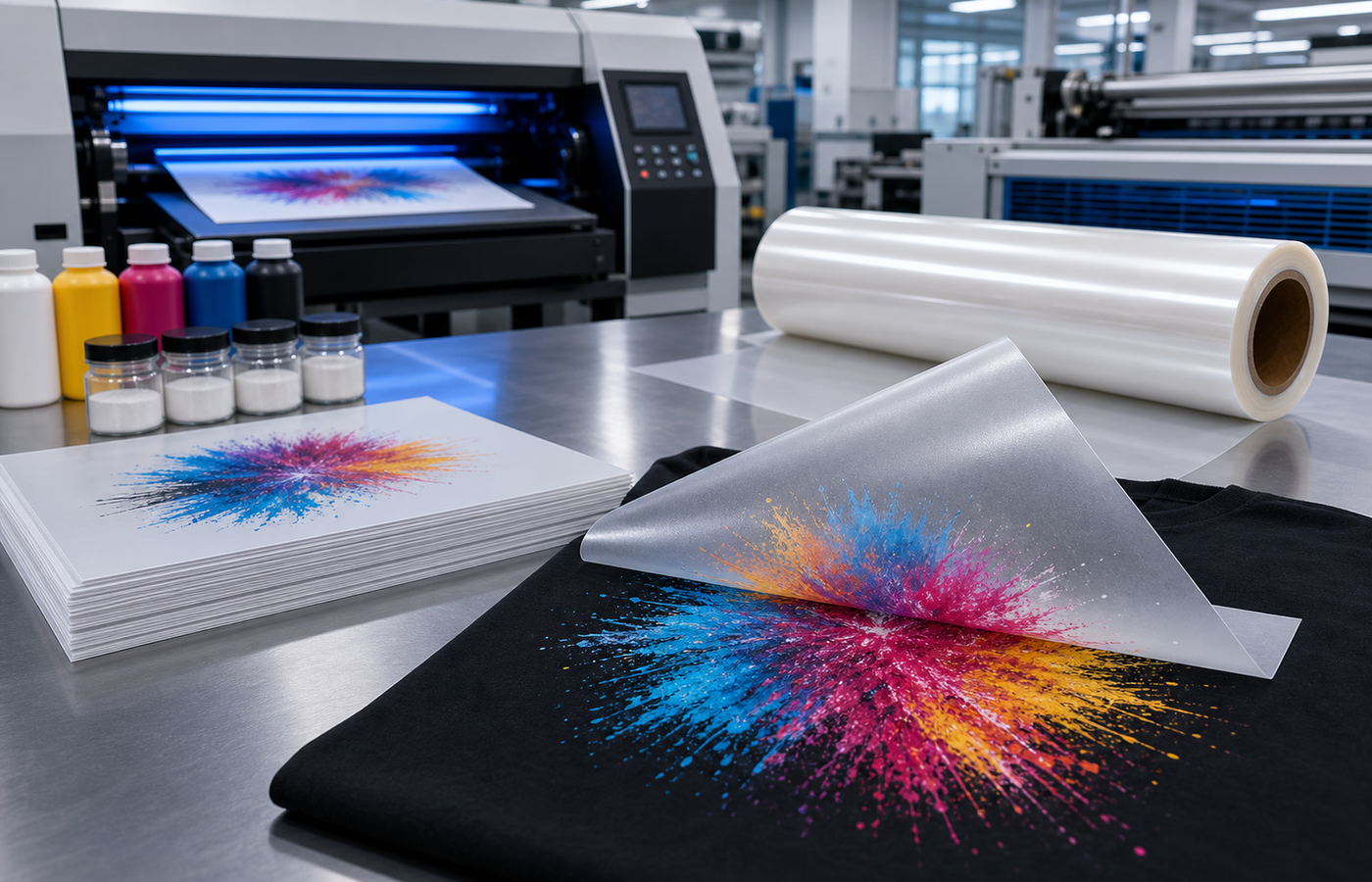
Lastly, premature peeling due to incorrect handling after transfer is another common cause. Rushing the peeling process (e.g., peeling while the film is still warm for cold-peel films) distorts the newly formed bond, causing layers to separate. Even minor mistakes like pulling the film at an awkward angle can damage the adhesion.
2. The Impact of Material Quality on Peeling
The quality of DTF A4 film, ink, and adhesive powder directly determines the durability of the transfer. Cutting corners on materials is a leading cause of peeling, as low-quality products lack the properties needed for strong, long-lasting bonds.
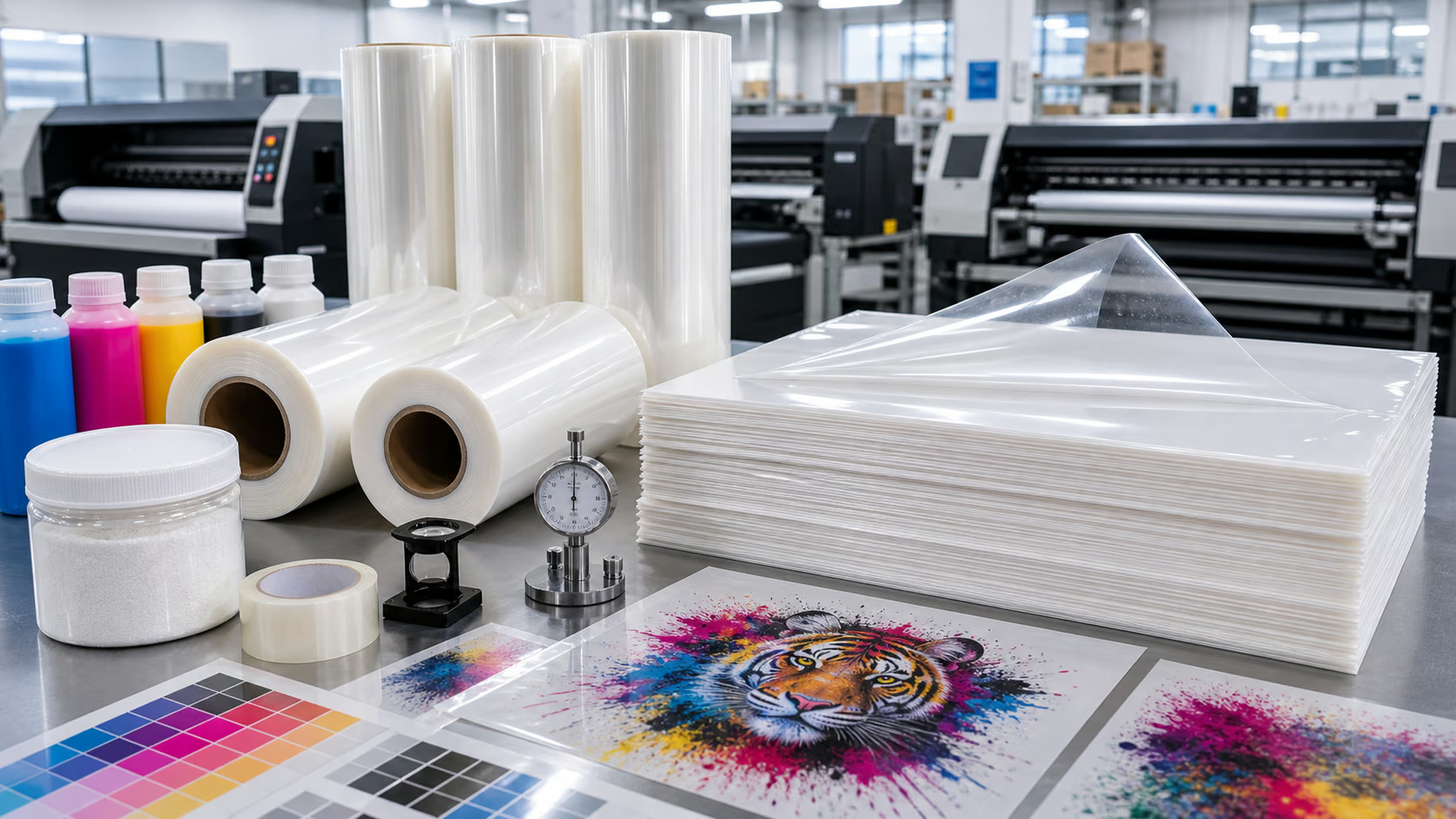
High-quality DTF A4 film features a uniform coating that ensures consistent ink absorption and adhesive performance. Inferior films, by contrast, often have uneven coatings, thin adhesive layers, or poor heat resistance. These flaws lead to inconsistent bonding—some areas may adhere well, while others peel off easily. Additionally, low-grade films may shrink or warp during heat transfer, breaking the bond between ink and fabric.
Ink quality is equally critical. DTF-specific inks are formulated to bond with the film’s adhesive layer and penetrate fabric fibers. Using generic or expired ink results in poor color retention and weak adhesion. Expired ink loses its chemical properties, failing to cure properly and leading to peeling after washing or wear. Adhesive powder quality also matters: low-grade powder may clump, melt unevenly, or lack sufficient stickiness, creating gaps in the bond.
To avoid material-related peeling, always choose DTF A4 film, ink, and powder from reputable suppliers. Ensure the products are compatible with each other and the fabric you’re using. Storing materials correctly— in a cool, dry place away from direct sunlight—also preserves their quality and adhesive properties.
3. Operational Errors: The Hidden Culprit Behind Peeling
Even with high-quality materials, incorrect printing and transfer processes can cause DTF A4 film to peel. Most operational errors are avoidable with careful calibration and attention to detail.
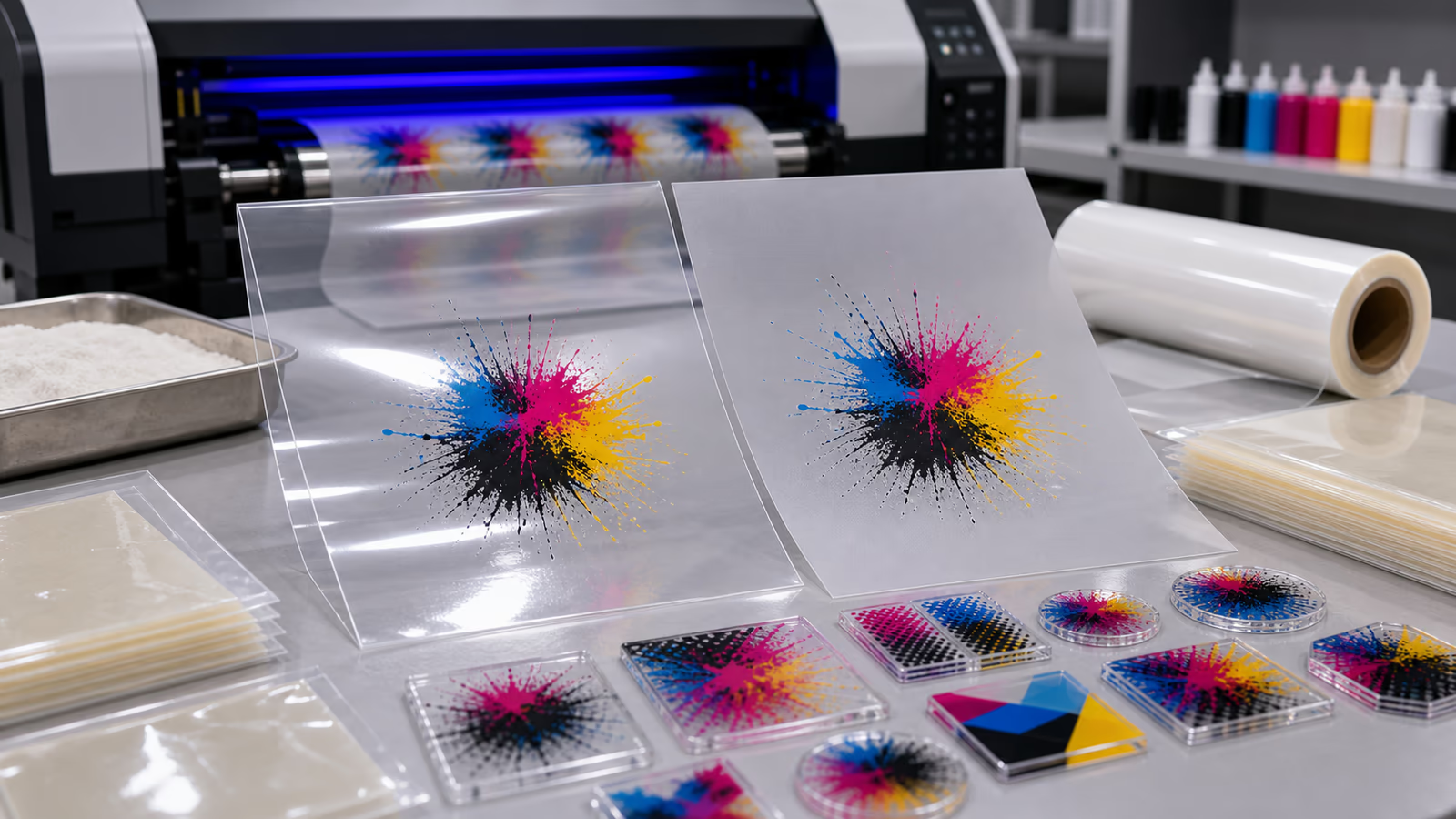
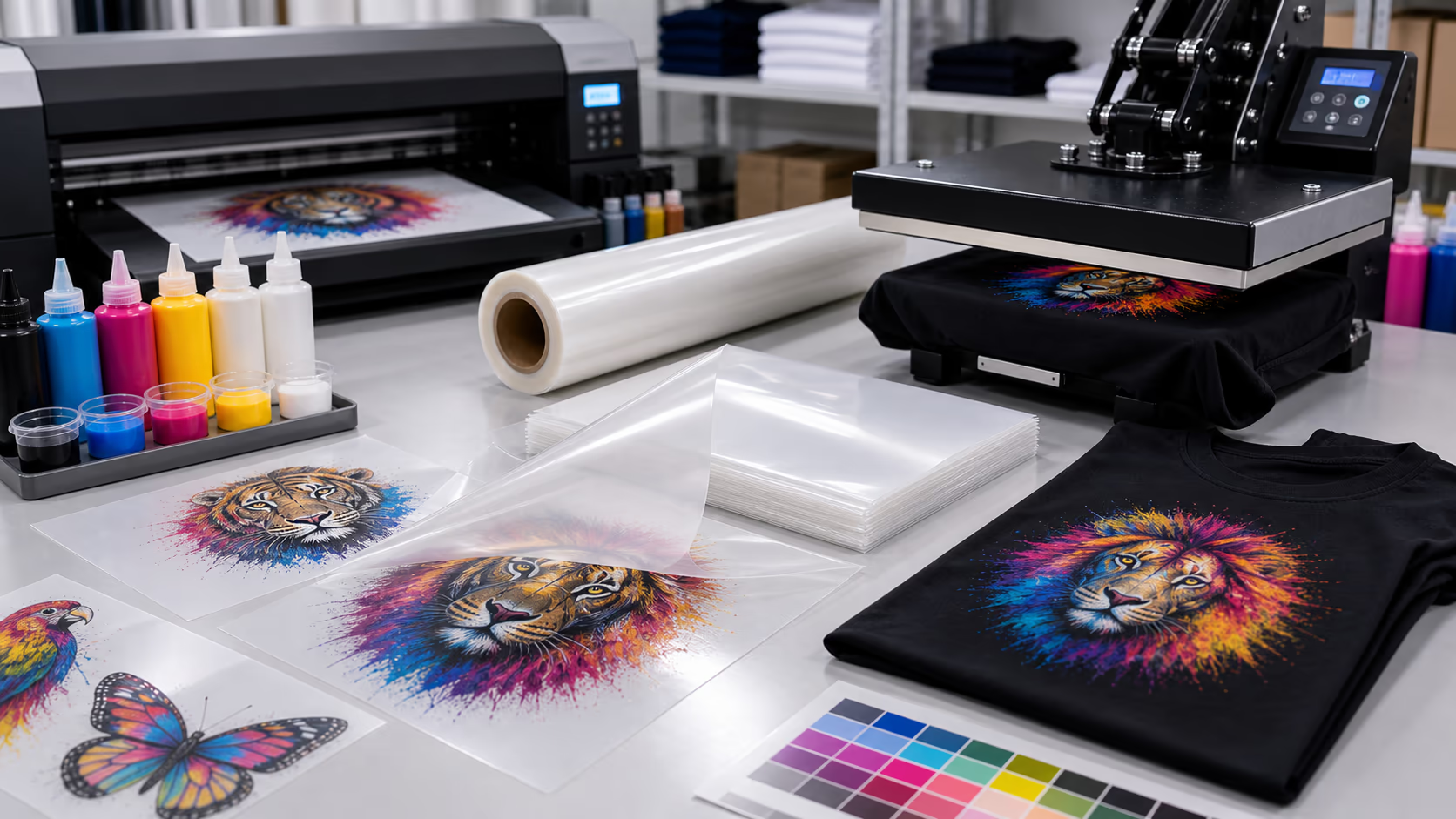
One of the most common mistakes is printing on the wrong side of the film. DTF A4 film has two sides: a matte, coated side (for printing) and a glossy, non-coated side (protective layer). Printing on the glossy side results in zero ink absorption, as the ink cannot bond with the non-coated surface. This leads to immediate peeling, as the ink and film have no connection to the fabric.
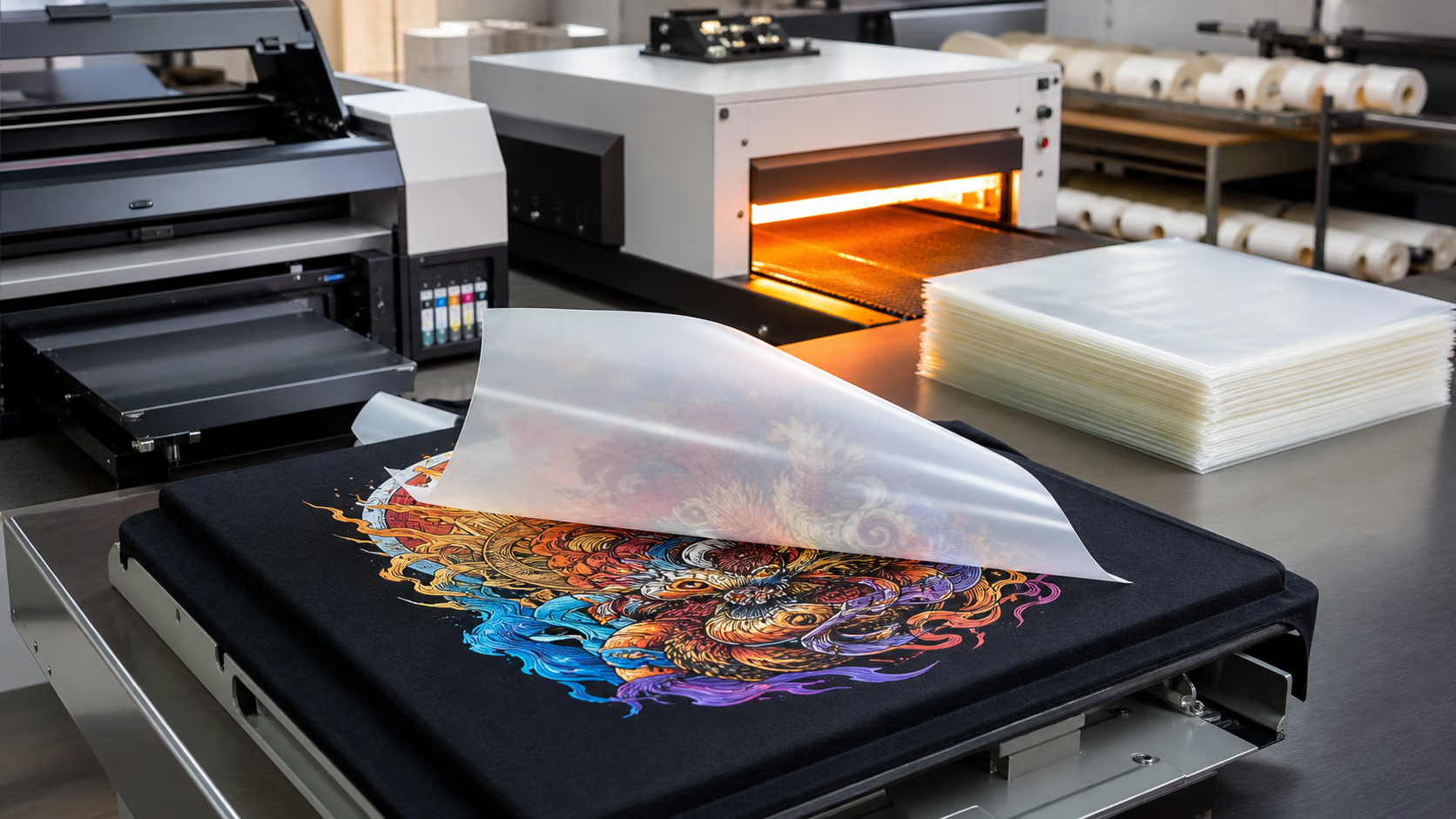
Incorrect heat press settings are another major issue. The DTF transfer process requires precise temperature, pressure, and time to melt the adhesive powder and bond the film to the fabric. Too low a temperature or too little pressure prevents the adhesive from fully melting, resulting in a weak bond. Conversely, excessive heat or pressure can damage the film and fabric, causing the ink to bleed and the film to peel. For most DTF A4 films, the optimal heat press setting is 160-170°C (320-338°F) with medium pressure for 15-20 seconds, but always follow the manufacturer’s instructions.
Poor powder curing is also a factor. After printing, the film is coated with adhesive powder, which must be cured (melted) evenly. Uneven curing—caused by inconsistent oven temperature or insufficient curing time—leaves some areas with unmelted powder, creating weak spots that peel. Calibrating your curing oven regularly ensures uniform heat distribution.
4. Post-Transfer Maintenance to Prevent Peeling
Proper care after transfer is just as important as the printing and transfer processes themselves. Neglecting post-transfer maintenance can undo even the most carefully executed DTF prints.
First, allow sufficient time for the transfer to cure fully. Most DTF prints require 24-48 hours of air drying after transfer to ensure the adhesive layer bonds completely with the fabric. Washing or handling the item too soon disrupts this curing process, causing the film to peel. Avoid folding or stretching the printed area during this curing period, as this can weaken the bond.
When washing the printed item, follow specific guidelines to protect the transfer. Turn the garment inside out to minimize friction on the printed area. Use cold or lukewarm water and mild detergent—hot water and harsh chemicals (like bleach or fabric softener) break down the adhesive layer. Avoid using a dryer on high heat; air drying is ideal, but if a dryer is necessary, use the lowest heat setting. Additionally, avoid ironing directly on the printed area, as excessive heat can re-melt the adhesive and cause peeling.
For long-term durability, avoid excessive wear and tear on the printed area. While DTF transfers are designed to withstand repeated washes, rough handling (such as scrubbing the print vigorously) can damage the bond over time. Educating customers on proper care instructions can also help maintain the integrity of the print.
In conclusion, DTF A4 film peeling is a solvable issue rooted in material quality, operational processes, and post-transfer care. By investing in high-quality materials, mastering proper printing and transfer techniques, and following correct maintenance guidelines, you can achieve durable, peel-resistant DTF transfers. With attention to detail and adherence to best practices, this frustrating problem can be eliminated, ensuring professional, long-lasting results for every project.